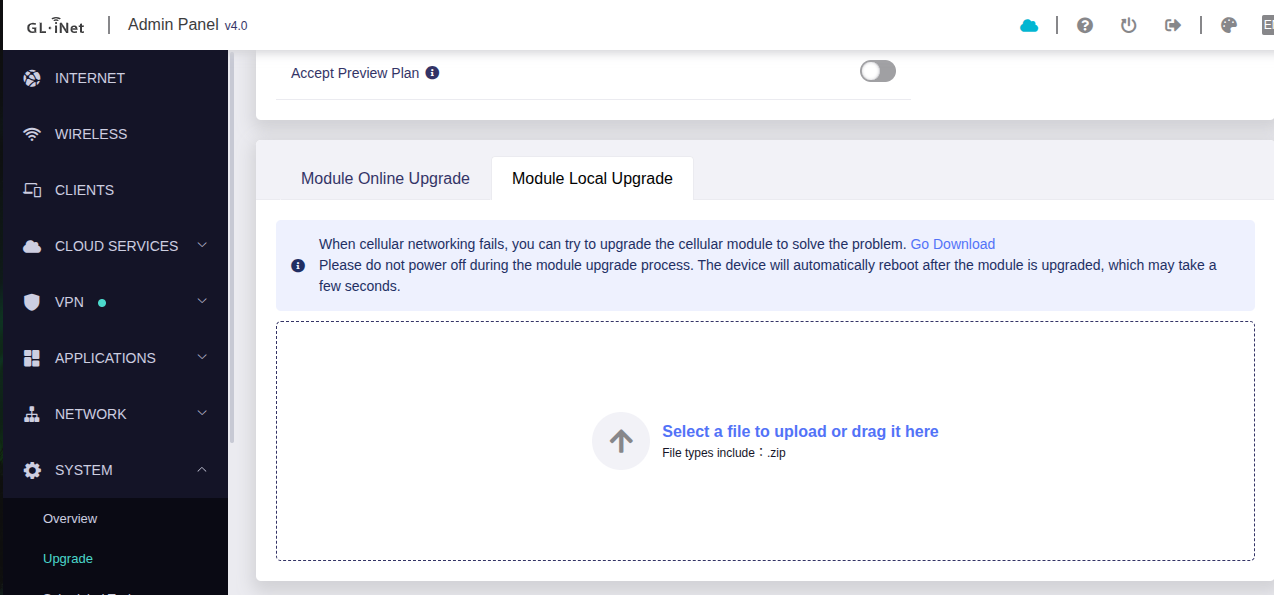
Can I please get the latest firmware available ?
Dear @john_faiz
Please share your current firmware.
My firmware is : RM520NGLAAR03A04M4G_01.204.01.204
Dear @john_faiz
I have sent to your email, please check.
Hi @silvia,
Can you send me the latest? Current is RM520NGLAAR03A04M4G_01.202.01.202 Thanks!
Tagging along here. Can I get the latest for RM520NGLAAR03A04M4G_01.204.01.204
Thank you.
Dear @TrashJager
I have sent to your email, please check.
Dear @Ryan_Bittner
I have sent to your email, please check.
"Hello Silvia!
I am also using the RM520N-GL modem from Quectel. I’m using it in a project for indoor location determination. I need the modem to show me information about neighboring networks in 5G. So, I will either use the command ‘AT+QENG=“neighbourcell”’. However, according to the ‘AT Commands Manual’ for this modem, it seems that it will not provide information about neighboring 5G networks, as it does for LTE. Am I correct?
The current firmware is: ‘RM520NGLAAR01A08M4G’.
If I use the firmware ‘RM520NGLAAR03A03M4G_01.201.01.201’, will I be able to obtain the neighboring 5G network information with the ‘AT+QENG=“neighbourcell”’ command?
If so, could you please send me this newer firmware or any more recent one for my Quectel 5G modem? However, if what I am trying to do with the RM520N-GL is impossible, please let me know.
Best regards" (my e-mail = pimenta@inatel.br)
Dear @pimenta
AT+QENG=“neighbourcell" is used for 3G/4G.
Can I also get a copy of this? I need the UFS version. my device is stuck in factory test mode and I can’t seem to get it out. I used QFirehose, I think I have the wrong zip file.
RM520N-GL
stuck in factory-test, no DDR/UFS firehose in the package 
Dear @supersoldier283
Sorry, we only have standard firmware, not UFS version, I have sent standard firmware to you via Message, you can try.
ok understood. Does the UFS version exist, and you just can’t disclose it? I searched chatgpt and it said that I need the UFS version for my bricked modem. I’m getting the CFUN response with code 5. Tried to reflash multiple times
My model is: RM520NGLAA-M20-SGASA
I believe this is the worldwide edition. I am stuck in “testing” boot mode, chatgpt telling me I need to get the UFS files from you guys so I can restore to factory flash. Any ideas on what I can do to fix this?
@silvia Could you please send the latest firmware.
My module shows
RM520NGLAAR03A03M4G_A0.301.A0.301
I would like to update my module as well. Is qFlash the right tool ?
Thanks
Bernd
Dear @supersoldier283
We don’t have UFS firmware.
Please check the response of AT+QFTMMODE? .
Dear @scherntb
RM520NGLAAR03A03M4G_A0.301.A0.301 is the latest one.
Good morning.
I have a RM520NGLAAR03A03M4G modem on my Glinet GL-X3000-NR router.
This firmware version was recommended to me because I was experiencing constant disconnects due to weak signals from the network tower Which is approximately 23 miles away.
I have noticed a marked improvement in the signal strength recently 3G/WCDMA.
I would like to know if there is any firmware updates for this modem?
Thank you.
Dear @GL-AX3000
I have sent to your email, please check.