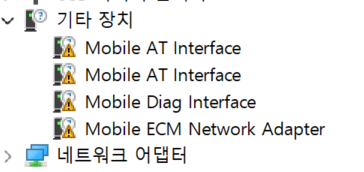
I’ve tried several USB drivers, but none of them recognize the EG800Z-EU device. Could you please provide the correct USB driver?
Operating System: Windows 11 Pro
The drivers I used are listed below.
- quectel_automotive_windows_usb_driverq_v1-2_en
- quectel_windows_usb_drivera_customer_v1-0_en
- quectel_lte_windows_usb_driver_for_mbim_v1-3
- Quectel_ASR_Series_UMTS<E_Windows_USB_Driver_Customer_V1.0.8
- quectel_windows_usb_driveru_v1-2_en
- quectel_windows_usb_driverq_ndis_v2-8_en
- Quectel_LTE_Windows_USB_Driver_RNDIS_V1.0
- Quectel_USB_Drivers_For_UC20&UC15&EC20_V1.1
- Quectel_Windows_USB_Driver(Q)_NDIS_V2.3_CN
- Quectel_Windows_USB_Driver(Q)_NDIS_V2.3_EN
- Quectel_Windows_USB_Drivers_For_UGxx_V1.1
I have sent it to your email,pls try
Thank you for your reply.
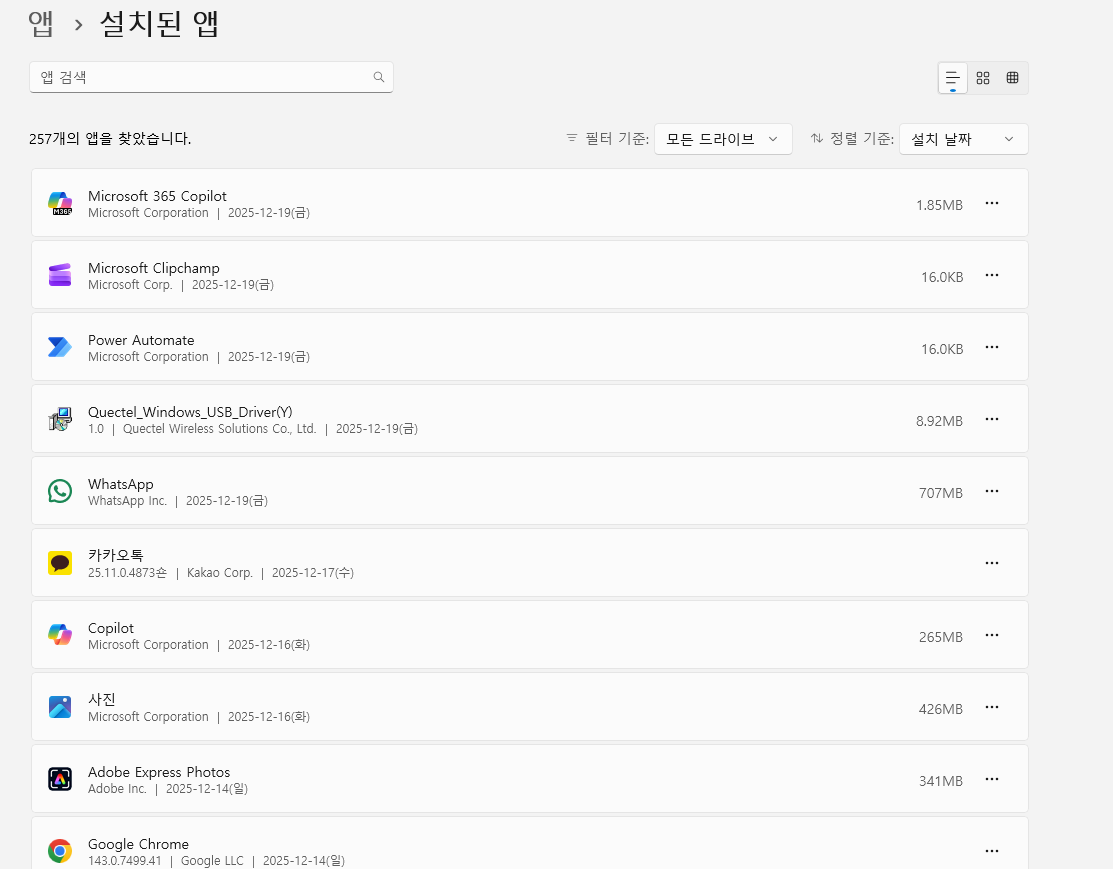
However, I installed the “Quectel_Windows_USB_Driver(Y)_V1.0.2” file you sent, but the problem wasn’t resolved. Is there another solution?
Perhaps it is due to too many driving factors that have caused this.
- You need to uninstall all the drivers of QUECTEL, and then reinstall this driver.
- Try replacing with another PC and installing this driver.
Thank you for your quick response.
- Yes, I deleted all the drivers and installed only “Quectel_Windows_USB_Driver(Y)_V1.0.2.”
- I also tried it on another laptop (Windows 10), but it didn’t work.
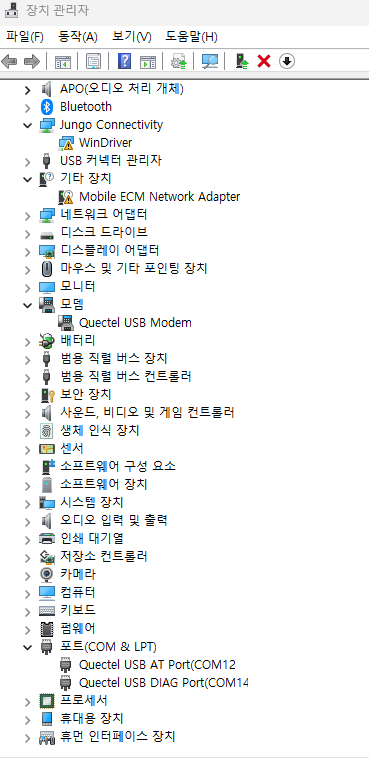
Please select one of the COMs, then choose “Update Driver”, then “Browse My Computer to Find Drivers”, and then “Let me select from the list of available drivers on the computer”, then select Quectel flag
Oh, thank you so much. The COM port issue is resolved. However, the “Mobile ECM Network Adapter” driver issue still remains… I searched the forums and found that some models don’t support ECM on Windows. Does my “EG800Z-EU” not support ECM? If so, should I set it to RNDIS mode? Is this command correct? “AT+QCFG=“usbnet”,3”
Thank you again for your support. 
Yes, it does not support ECM on Windows OS.