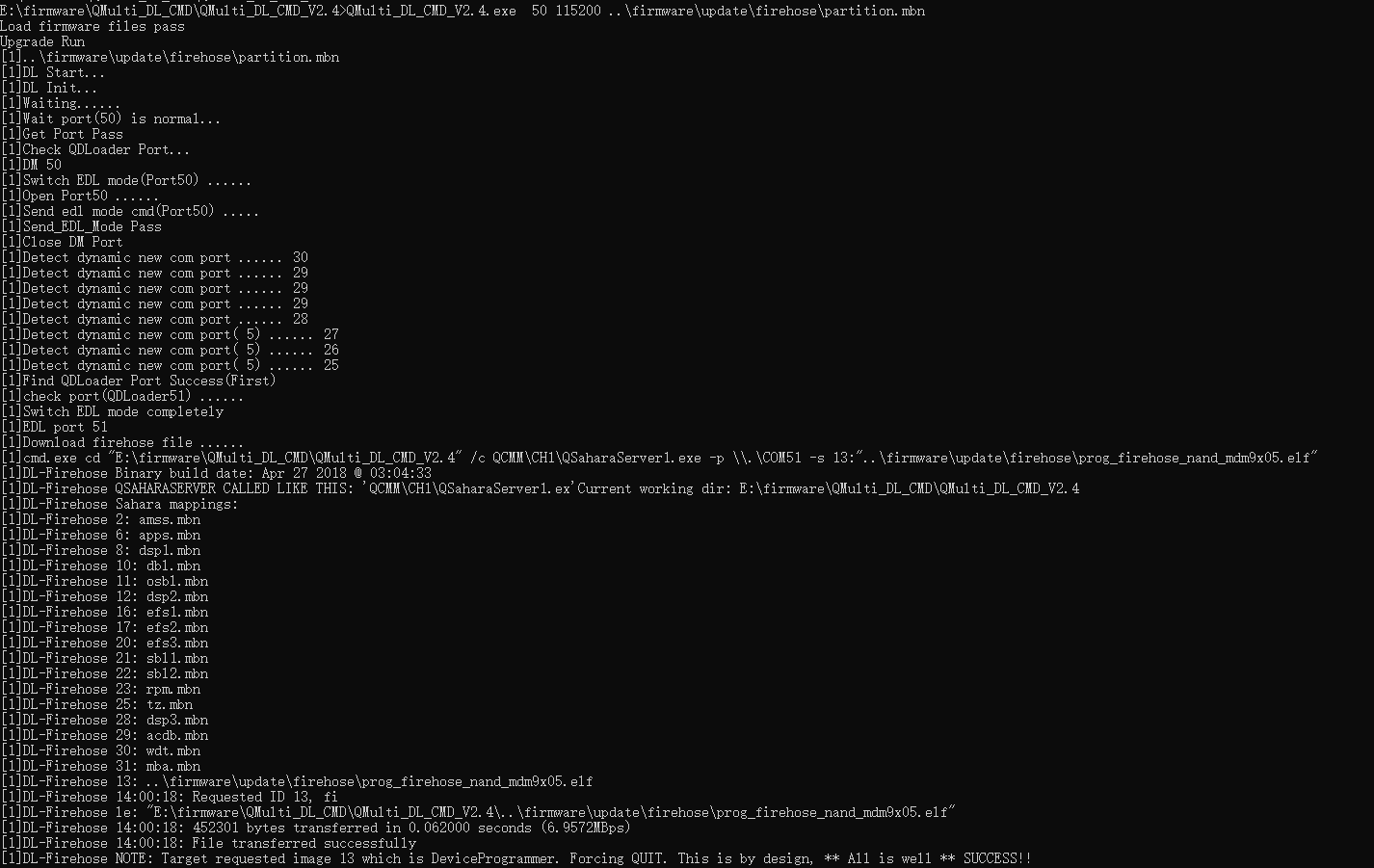
I was wondering if there is anyone that is programming BG95 modems from the command line?
Right now I’m using the QFlash UI and it works, but I would like to automate the process, therefore I would need a command line solution. If I see in the logs of QFlash, there are a couple of separate commands that are being called (their parameters are also listed), but there must be also other things that are happening, except for those two.
Sorry for bumping up an old thread, but this seems most suitable to the original posting. I would like to know how to perform openSDK flashing with Linux - is there a similar command line tool that can be used like QMulti_DL_CMD_V2.4_EN on Windows ?
While we are on the topic, is there any document that would explain the differences with all the mbn files that are part of the sdk ? @Bean.Wang-Q
why did you point to partition.mbn for the flashing tool ? Is that some master partition that will automatically pull in also other mbn files ?
we also seem to have partition_complete_p2K_b128K.mbn file, it seems to have a lot of 0xFF padding, but there is block inside that looks similar to partition.mbn