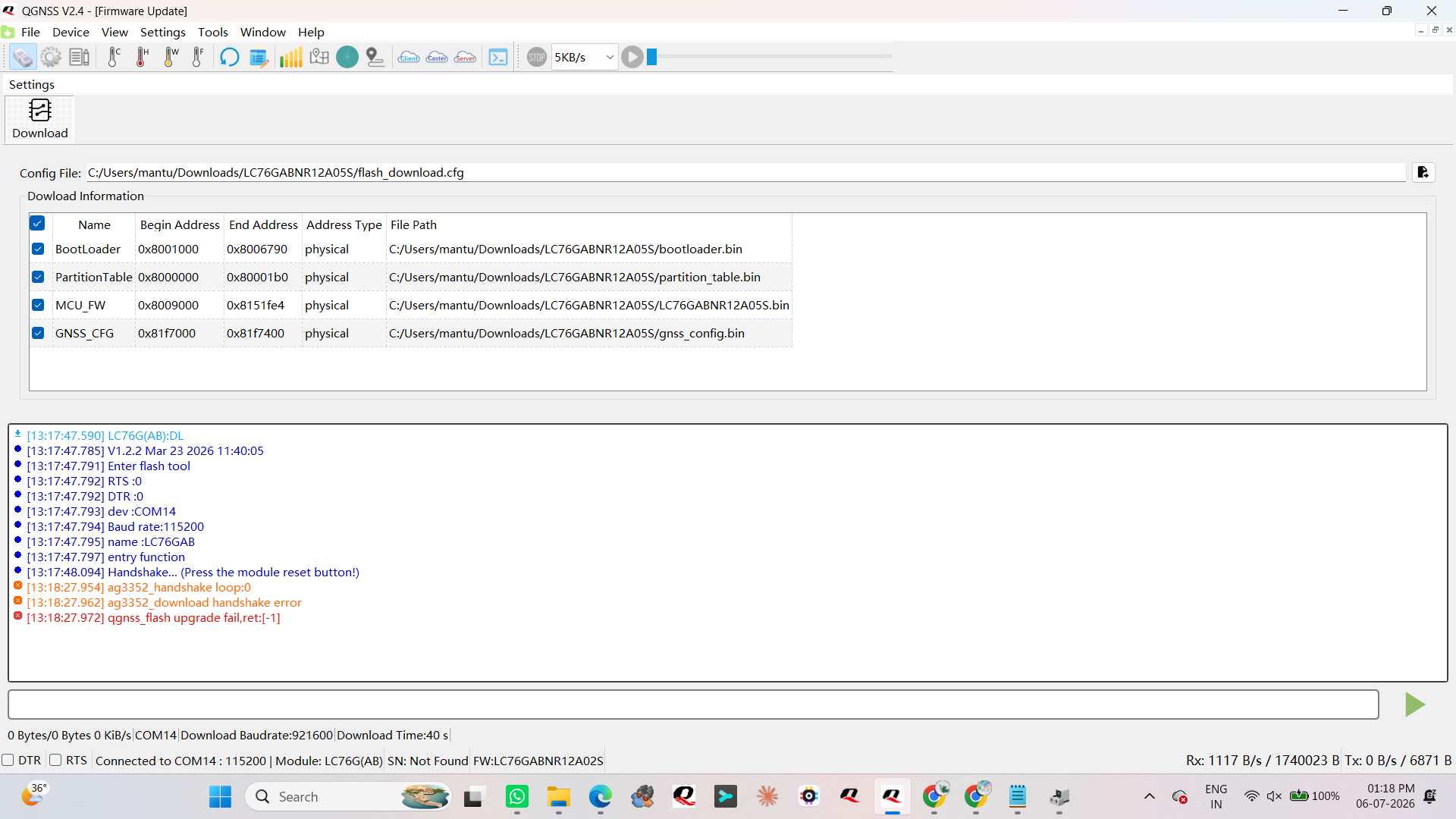
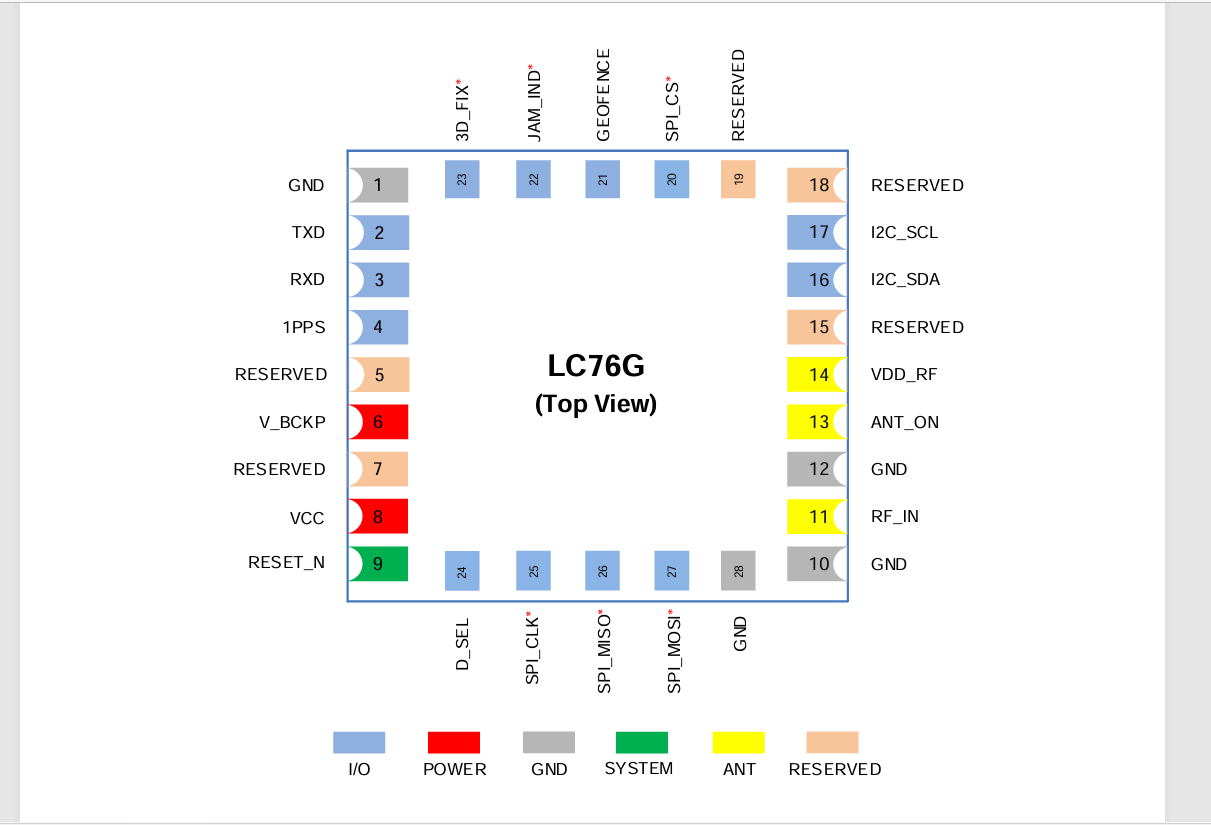
I am trying to flash new firmware into the LC76G(AB) GNSS module using the QGNSS tool, but I am unable to complete the firmware upgrade process.
Could you please guide me with the correct firmware flashing procedure for the LC76G(AB) module?
Please also confirm the following:
-
Which QGNSS tool version should be used for LC76G(AB)?
-
What is the correct firmware file format required for flashing?
-
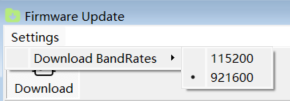
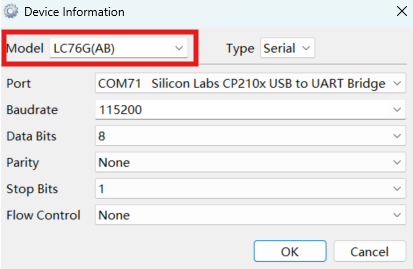
What baud rate and communication settings should be selected?
-
Is there any specific boot/reset sequence required before starting the firmware upgrade?
-
Are there any required PMTK/PAIR commands before flashing?
-
Please share the official firmware upgrade document or step-by-step guide for LC76G(AB).
Currently, the module is detected in QGNSS, but the firmware flashing process is not starting/completing successfully.
we are using the QGNSSV2.4 only but not able to flash the firmware. for resetting the module we are connecting reset pin og LC76(Pin 9) to gnd. please guide us how to do?
Hi @Kulshrest,
Are you using MCU to control the reset pin, if not how are you controlling it?
Do you have other modules with same application, and do they have the same problem?
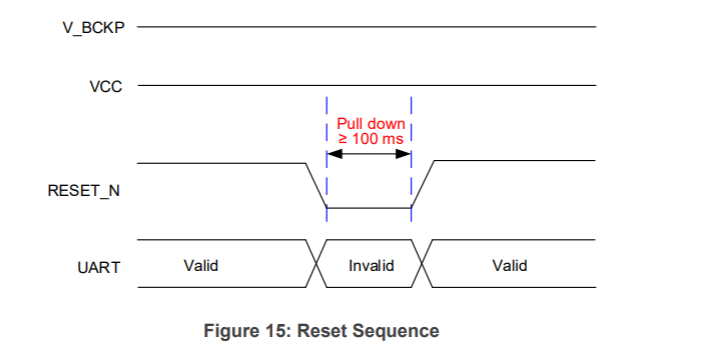
Make sure you are following the next sequence.
I am trying to reset the LC76 Module independently by shorting reset pin and gnd, i hope this should be the right approach right?
Your approach sounds ok. Note that you have to restart the module within 20 seconds.
Are you using our EVB board or is it your design?
We are restarting the module within 20 second and we are using our own design
Hi @Kulshrest, by using our EVB and connector to manually connect RESET_N pint to GND and then disconnect it, I have successfully updated the FW. The issue you are having is most likely related to implementation of restart procedure. Is there any other indication that module is restarting successfully, for example in UART line (NMEA messages)?
Thank you for the guidance, it’s working now!