Dear Quectel Support Team,
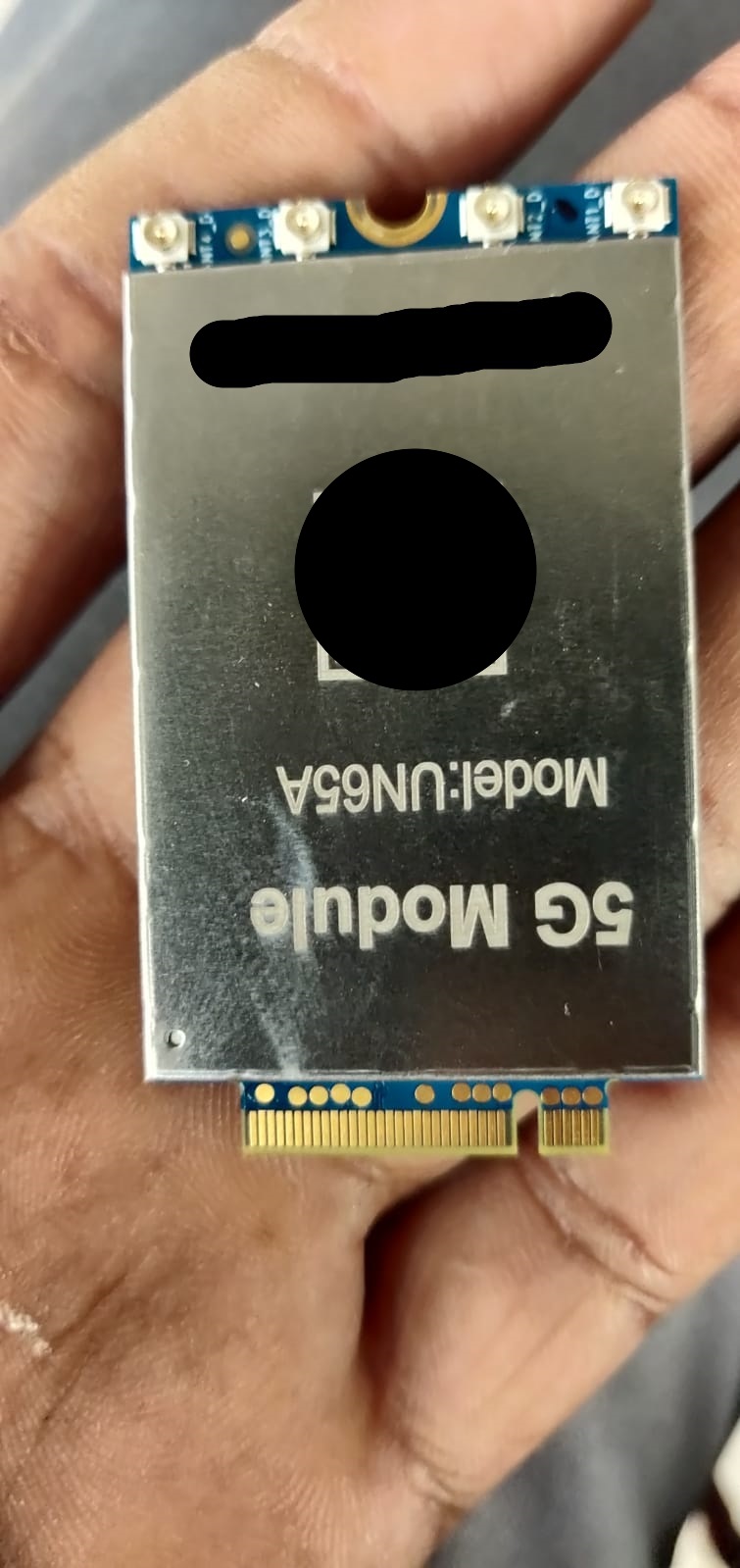
I have a Quectel UN65A M.2 5G module and I am experiencing problems with the USB connection and network interface.
Module details:
- Model: UN65A
- Form factor: M.2 5G module
- Platform/Chipset: Unisoc V510 / UDX710 (as I understand)
- Connection: M.2 to LAN/USB adapter
- Host OS: Windows PC
- Issue: The module is detected, but I am unable to establish a working mobile-data/network connection with a SIM card.
I have already tried different USB ports, USB cables, drivers, and SIM cards, but the module still does not work correctly.
Could you please help me with the following:
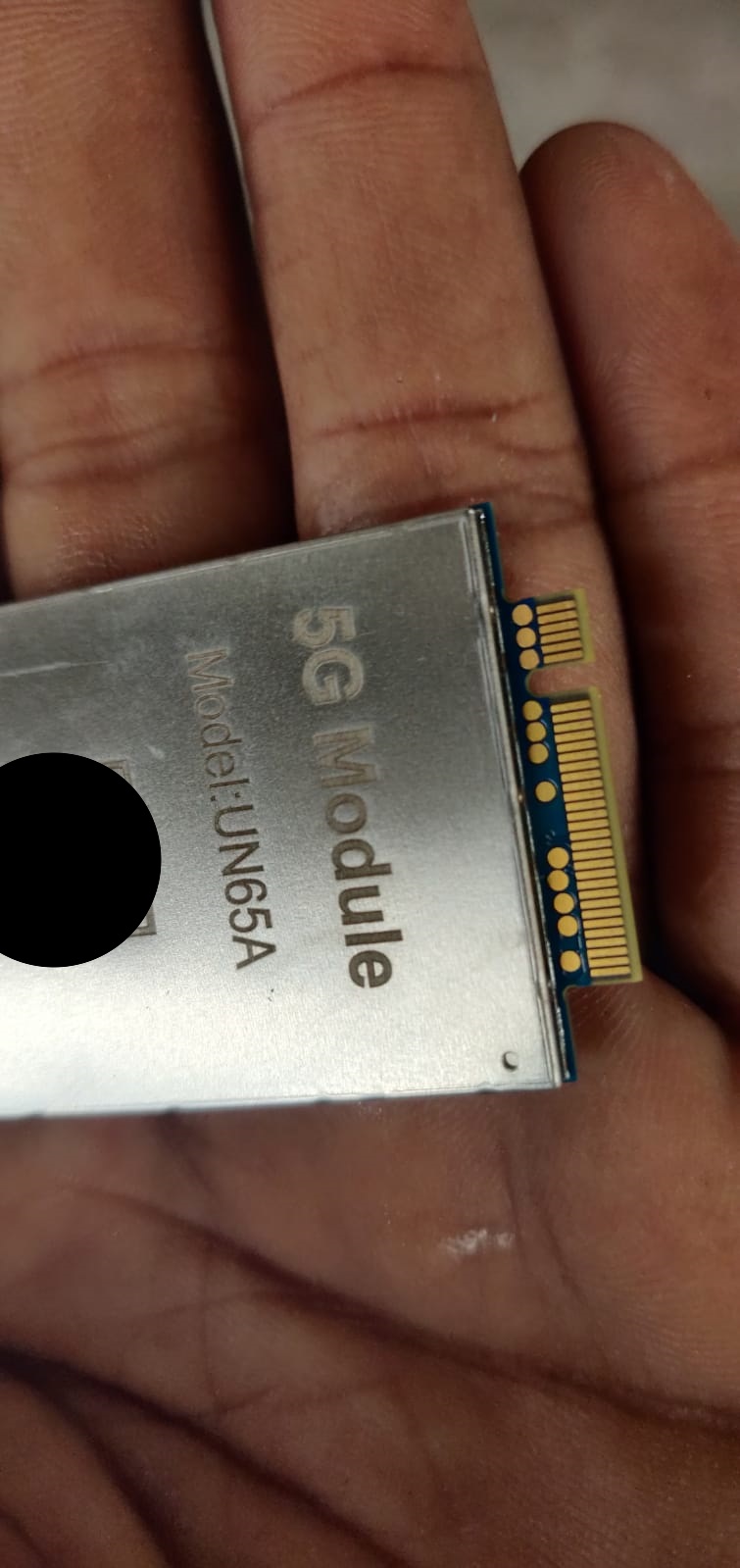
- Please confirm the exact hardware revision, firmware version, and variant of my UN65A module based on the attached photos and module markings.
- Please provide the correct/latest firmware specifically compatible with this exact UN65A hardware revision.
- If firmware recovery/re-flashing is required, please provide the official flashing/recovery procedure and the officially recommended flashing tool.
- Please provide the correct Windows USB drivers for this module and explain which USB interfaces should normally appear in Windows.
- If the module requires Unisoc recovery files, please provide the appropriate PAC/FDL files or other official recovery package for this exact hardware revision.
- Please advise how I can verify whether the module is entering the correct USB download/recovery mode.
- If there are any required AT commands or diagnostic commands to check the modem, USB mode, SIM status, registration status, APN, and data connection, please provide them.
- Please also confirm whether this UN65A variant supports USB networking/RNDIS/ECM/MBIM or another network interface, and which mode should be used on Windows.
I have attached clear photos of the module, including the model/label markings, for identification.
I would appreciate your help in identifying the exact hardware revision and providing the correct firmware, recovery files, flashing tool, drivers, and recovery procedure for this specific module.
Thank you for your support.
Best regards,
Prakash Solanki