I’m new to this space, so apologies in advance if this is a basic question.
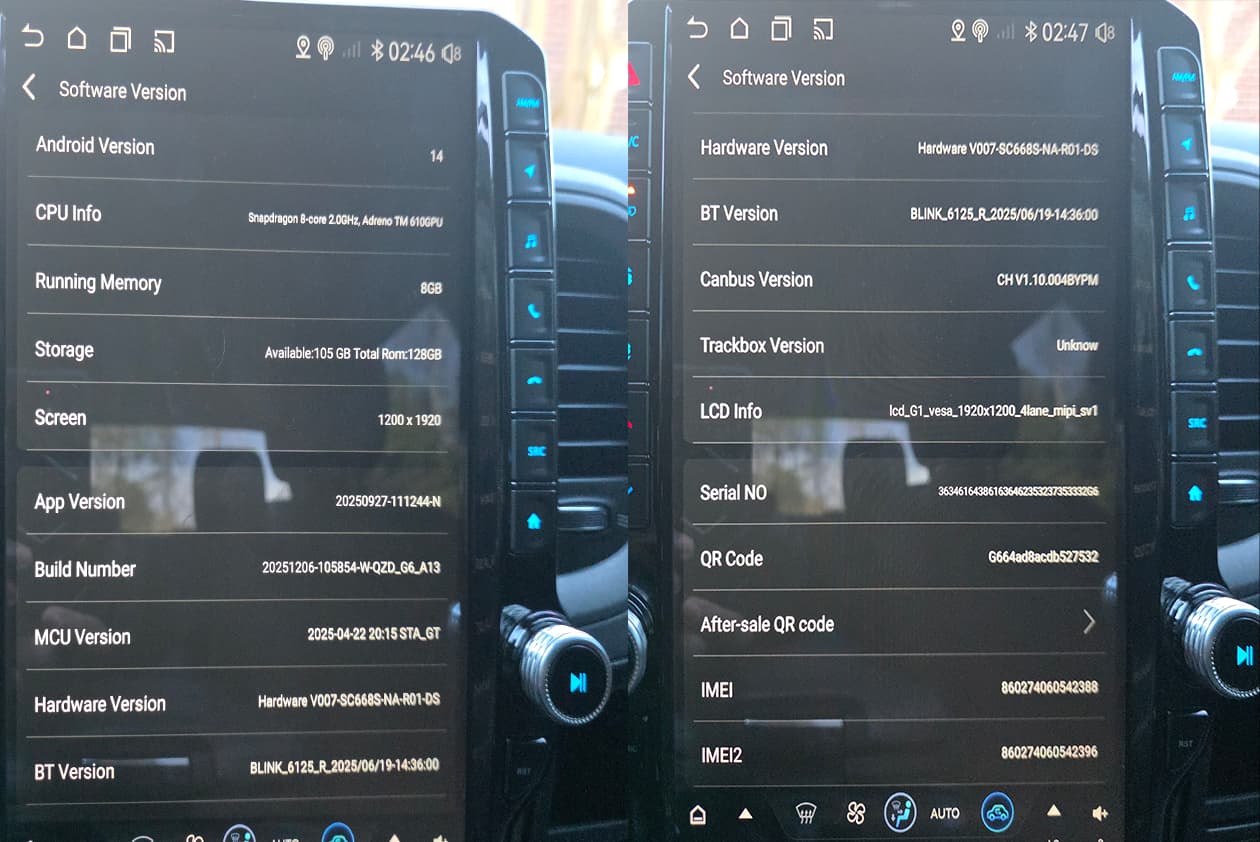
I checked my IMEI and got the following:
Model: SC668S-NA_UA
Brand: Quectel
IMEI: 860274060542388
This is an Android stereo head unit installed in my 2017 Ram 1500.
The system options are very limited. It wouldn’t let me change the boot logo in settings. The seller sent me a file that successfully flashed a new boot logo, but the boot animation did not change, and they’ve since stopped replying.
I’m trying to figure out:
Is there an official firmware/update source for this model?
Are there recommended tools or procedures for flashing or backing up firmware?
Any documentation available for SC668S-NA_UA?
Best way to safely identify firmware version before attempting updates?
I don’t want to brick the unit, just looking for guidance on supported updates or customization options.
Is there an official firmware/update source for this model?
→ We can provide Quectel official firmware to you when can enable the model, but I am not sure it can enable all the functions in your device as it is built from customized function.
Are there recommended tools or procedures for flashing or backing up firmware?
→ Yes, the QFIL to downloda but no tool to back up firmware
Any documentation available for SC668S-NA_UA?
→ Yes
Best way to safely identify firmware version before attempting updates?
→ we have the AT commnds to get the origin Quectel firmware version in the device.
Please share your E-mail and what you want to us, we will send it in the E-mail later.
Hi, sorry for the delayed follow-up, I only had time to install everything today.
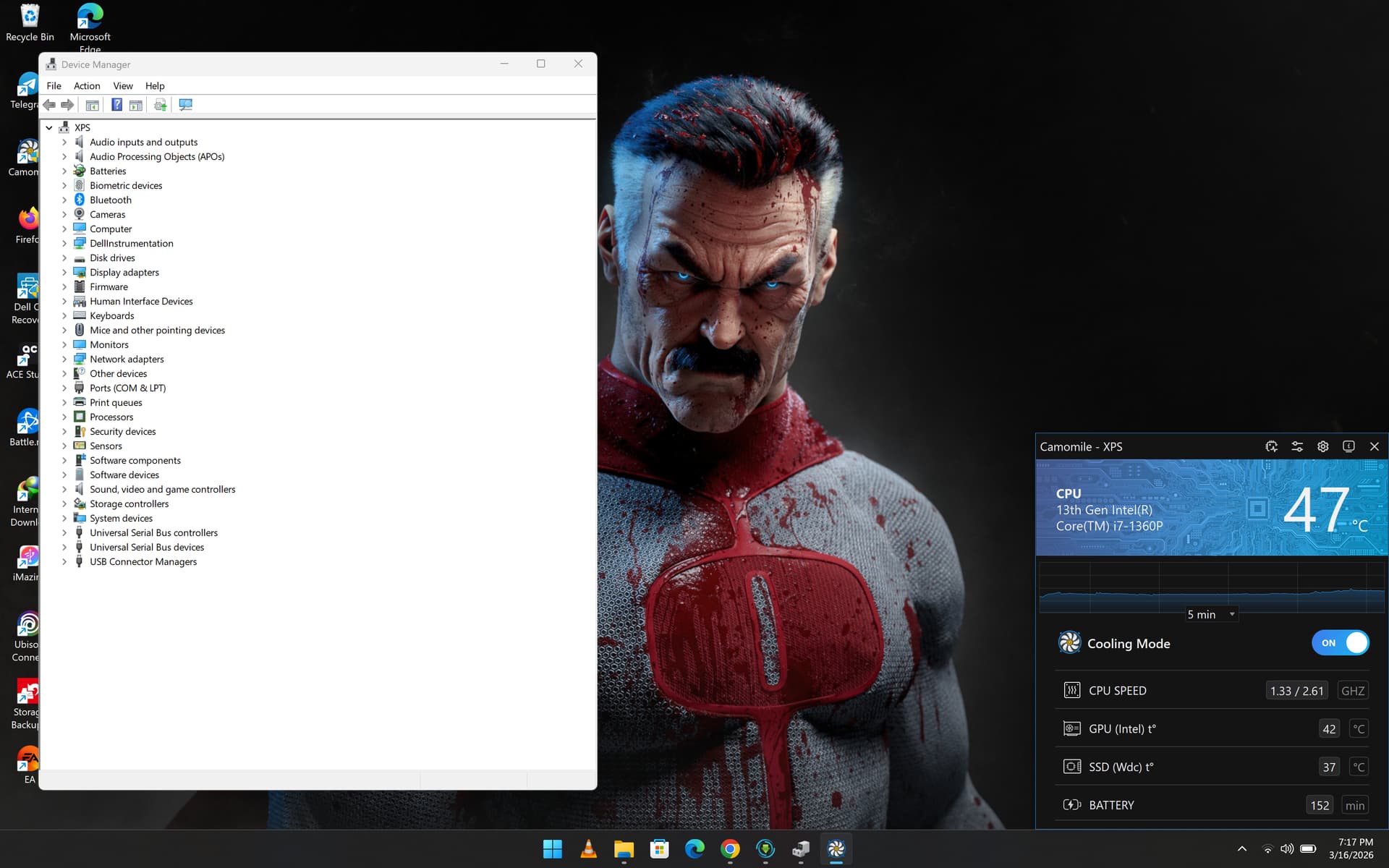
I installed the QCOM tool and drivers as instructed and connected the head unit to my PC. I tried multiple USB cables and ports. The PC detects that something is connected but no COM port or diagnostic device appears. On the head unit itself, nothing is shown either.
When I connect a USB drive to the head unit it is detected normally, so the USB port seems to work. I also checked the manual and system menus but didn’t find anything related to enabling diagnostic/AT mode.
If there is a specific step to enable the diagnostic interface, I would appreciate any guidance.
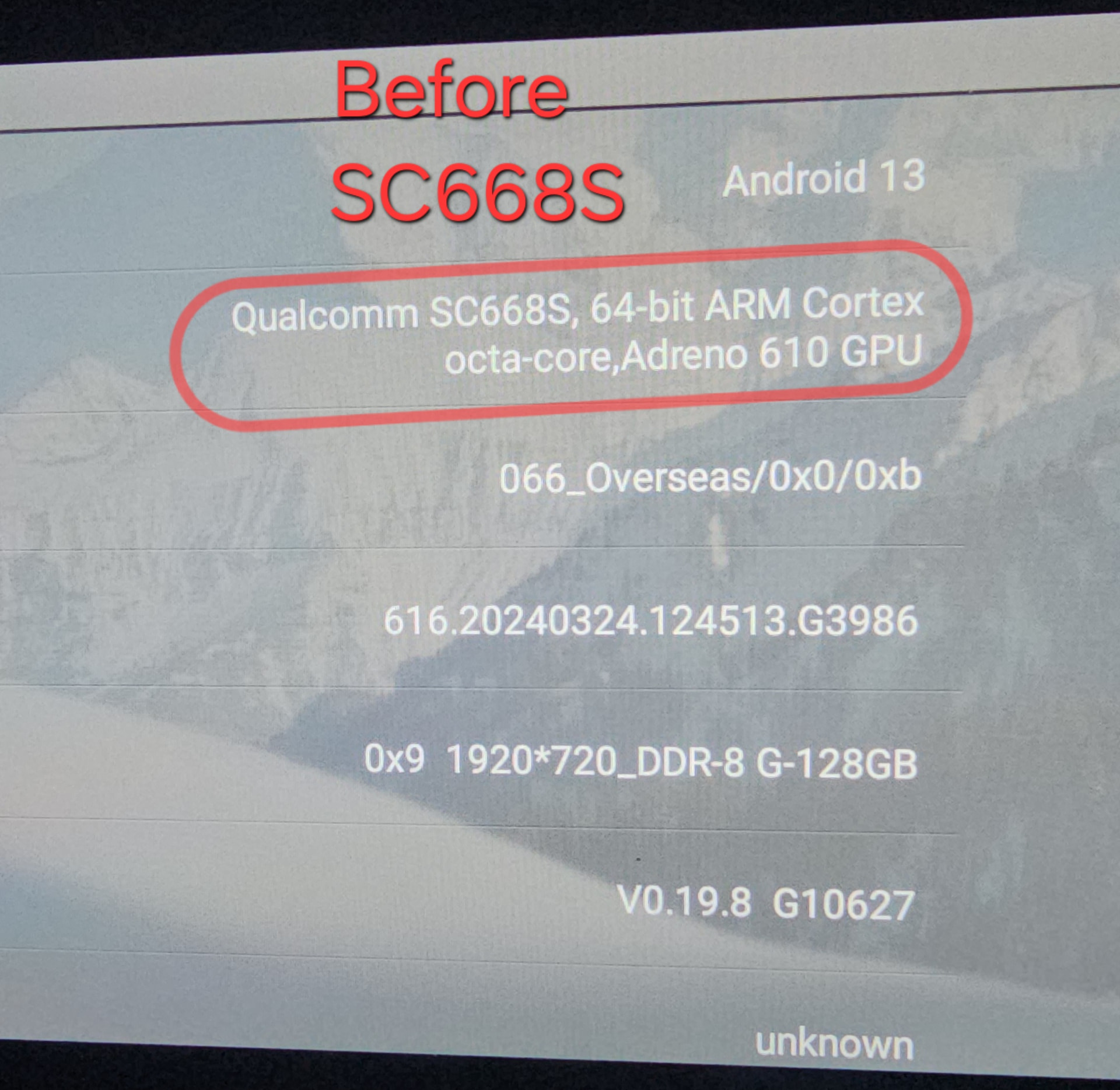
I have what looks like a close sibling of Galbogain’s unit — an Android head unit in a 2016 RAM 1500, same SC668S / QZD_G6 platform, though my hardware revision and build are a bit different. I currently have the unit set up on my electronics test bench with working wireless ADB access, so I’m well set up to run diagnostics or flashing steps carefully.
I’d be very grateful for the same help Galbogain asked for, matched to my V007-CUS-EM-R01-DS hardware revision:
Official Quectel firmware for my SC668S / V007-CUS-EM-R01-DS build (mainly for backup and recovery peace of mind before I make any changes)
The AT commands to read the original Quectel firmware version
The QFIL flashing guide and correct Qualcomm USB drivers for this model
Any documentation/manual for SC668S
I noticed Galbogain’s thread stalled where his PC detected the USB connection but no COM port appeared under Ports in Device Manager. I suspect the unit wasn’t in the correct diagnostic/EDL mode, or was missing the Qualcomm QDLoader 9008 driver. Could you clarify:
How do I put this unit into diagnostic / EDL (Emergency Download) mode so the COM port appears? Is it a key combination on boot, an ADB command (e.g. adb reboot edl), or a hardware test point?
Which exact driver package should be installed for the port to enumerate correctly?
Since I already have wireless ADB working, if there’s an adb command or system property that triggers diagnostic mode, I can run it directly and report back.
I’m happy to share my email by private message whenever you’re ready to send the firmware and documentation, and I’ll gladly write up whatever steps end up working so it helps others with the same platform.
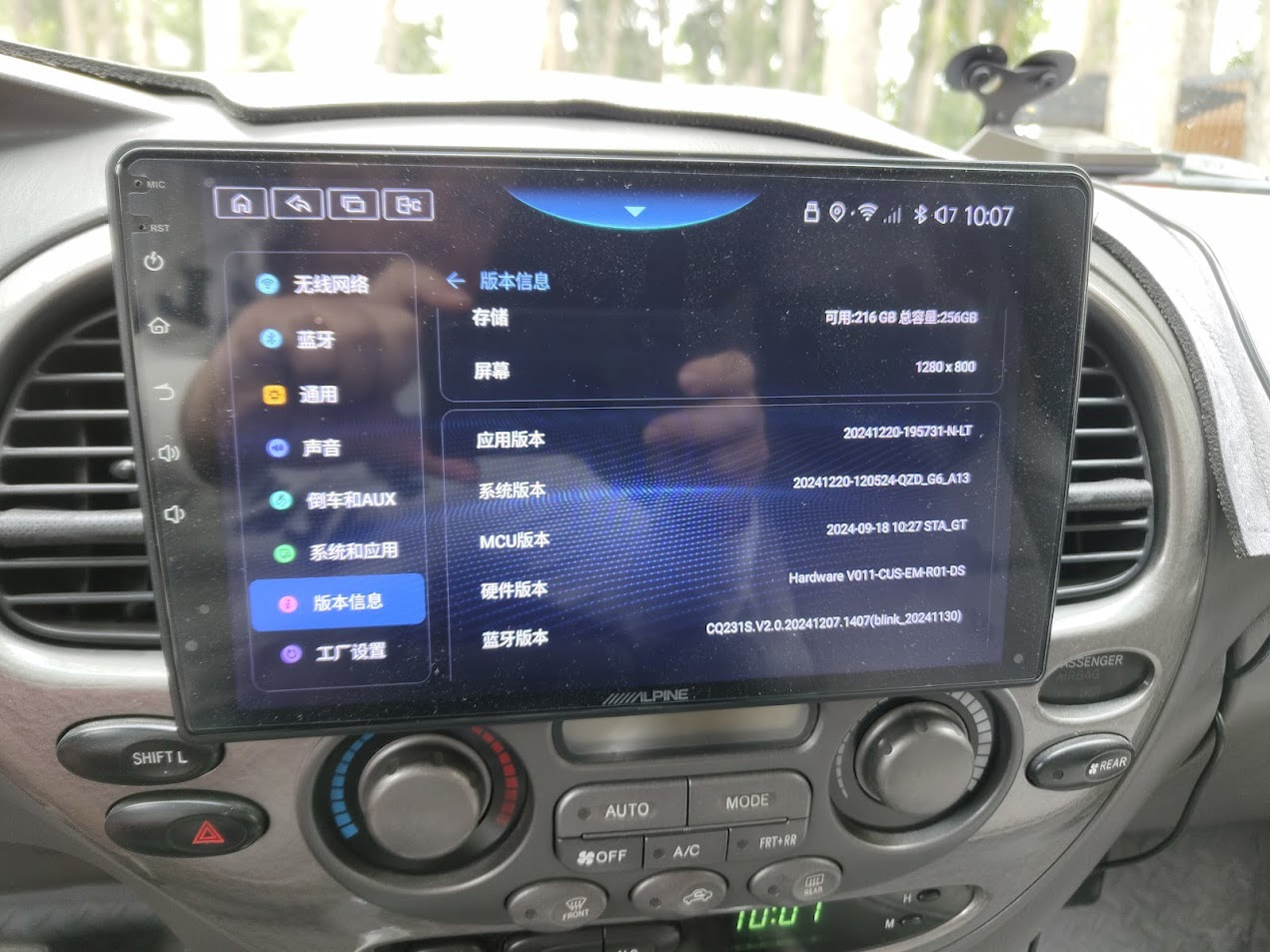
I have an Alpine INE-AX810 Android head unit that appears to use the same SC668S / QCM6125 platform discussed in this thread.
My device information:
Model: Alpine INE-AX810
Android: 13
Screen: 1280 × 800
Storage: 256 GB
Hardware Version: V011-CUS-EM-R01-DS
System Version: 20241220-120524-QZD_G6_A13
MCU Version: 2024-09-18 10:27 STA_GT
Bluetooth Version: CQ231S.V2.0.20241207.1407 (blink_20241130)
I noticed that this unit uses the same QZD_G6_A13 platform and STA_GT MCU family as other SC668S/QCM6125 devices mentioned here.
The unit is a Chinese-market version of the Alpine INE-AX810. Alpine also offers an international version of this platform with Google services and multilingual support.
I am NOT planning to flash unrelated firmware, because I understand that the device contains customized MCU, CANBUS and hardware configuration.
I would like to ask:
Can you confirm whether V011-CUS-EM-R01-DS is based on the Quectel SC668S platform?
Is there an AT command that can identify the exact original Quectel firmware/module version?
Can you provide documentation and the QFIL/diagnostic guide for this platform?
Do you know which OEM/ODM develops the QZD_G6_A13 software layer used on these devices?
Is it possible to obtain the correct firmware or recovery package specifically for V011-CUS-EM-R01-DS without overwriting the customized Alpine MCU/CANBUS configuration?
My main goal is to understand the platform and safely find the correct international firmware for this specific Alpine hardware revision.
I can provide the IMEI1 and additional system information privately if required.