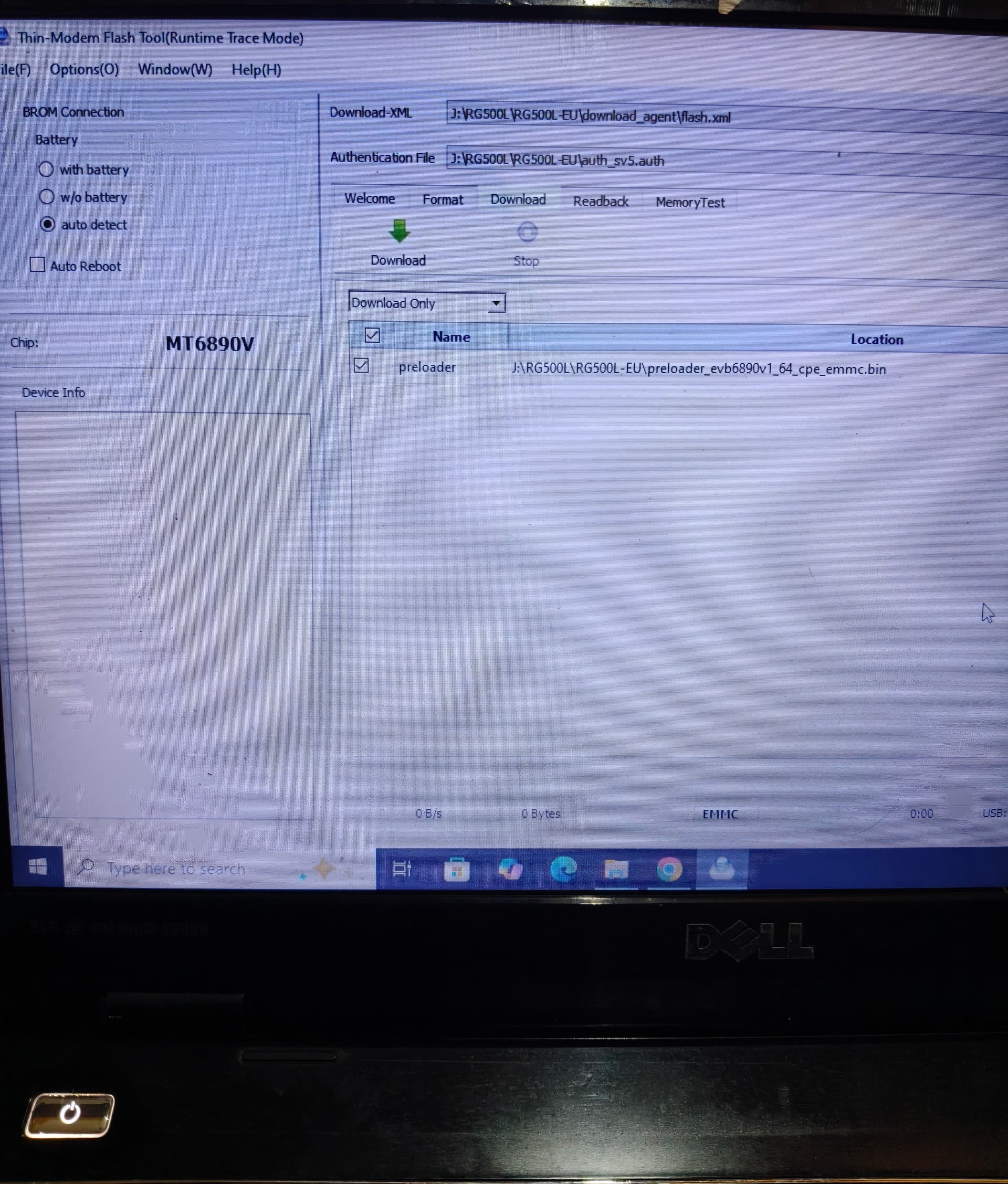
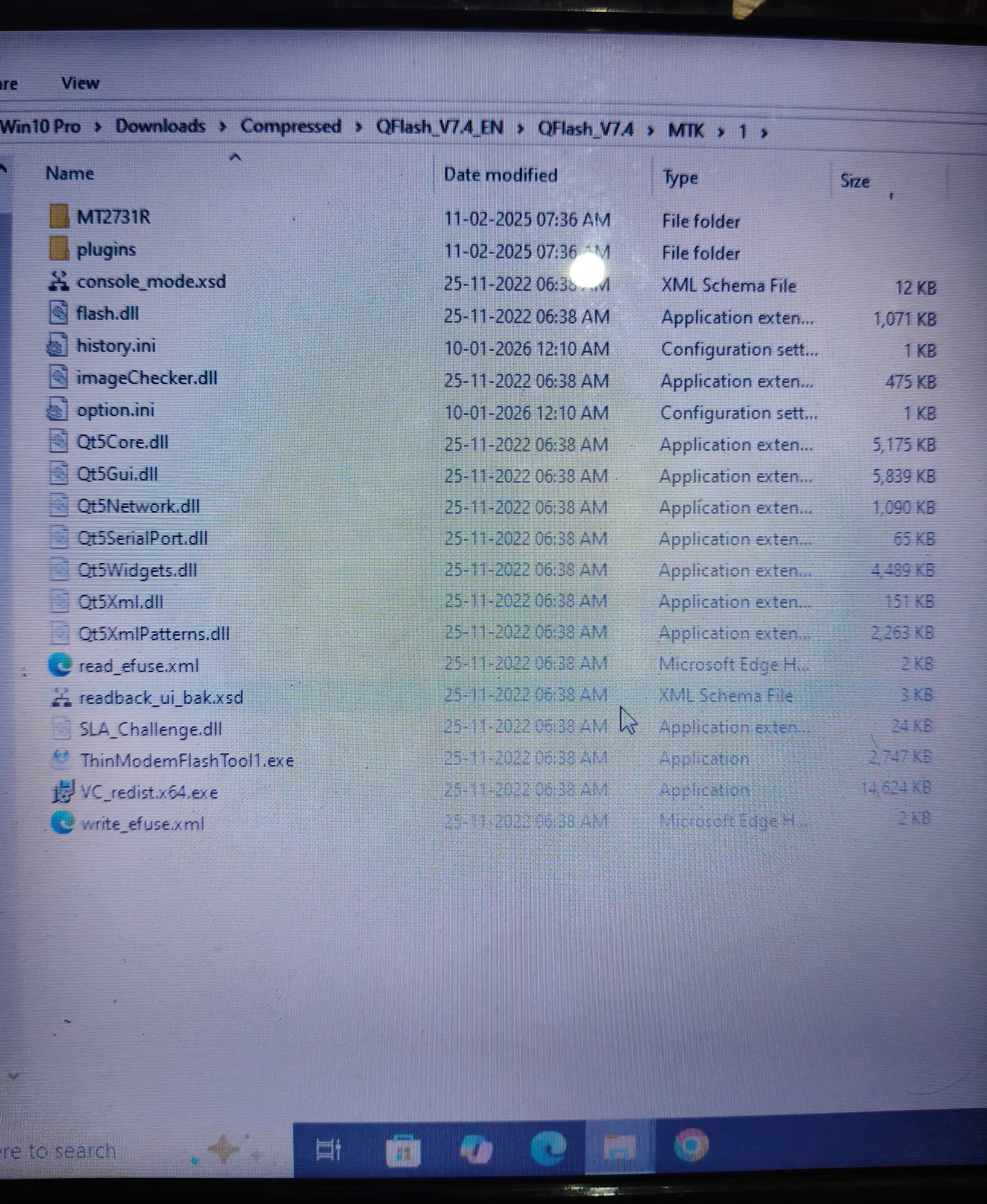
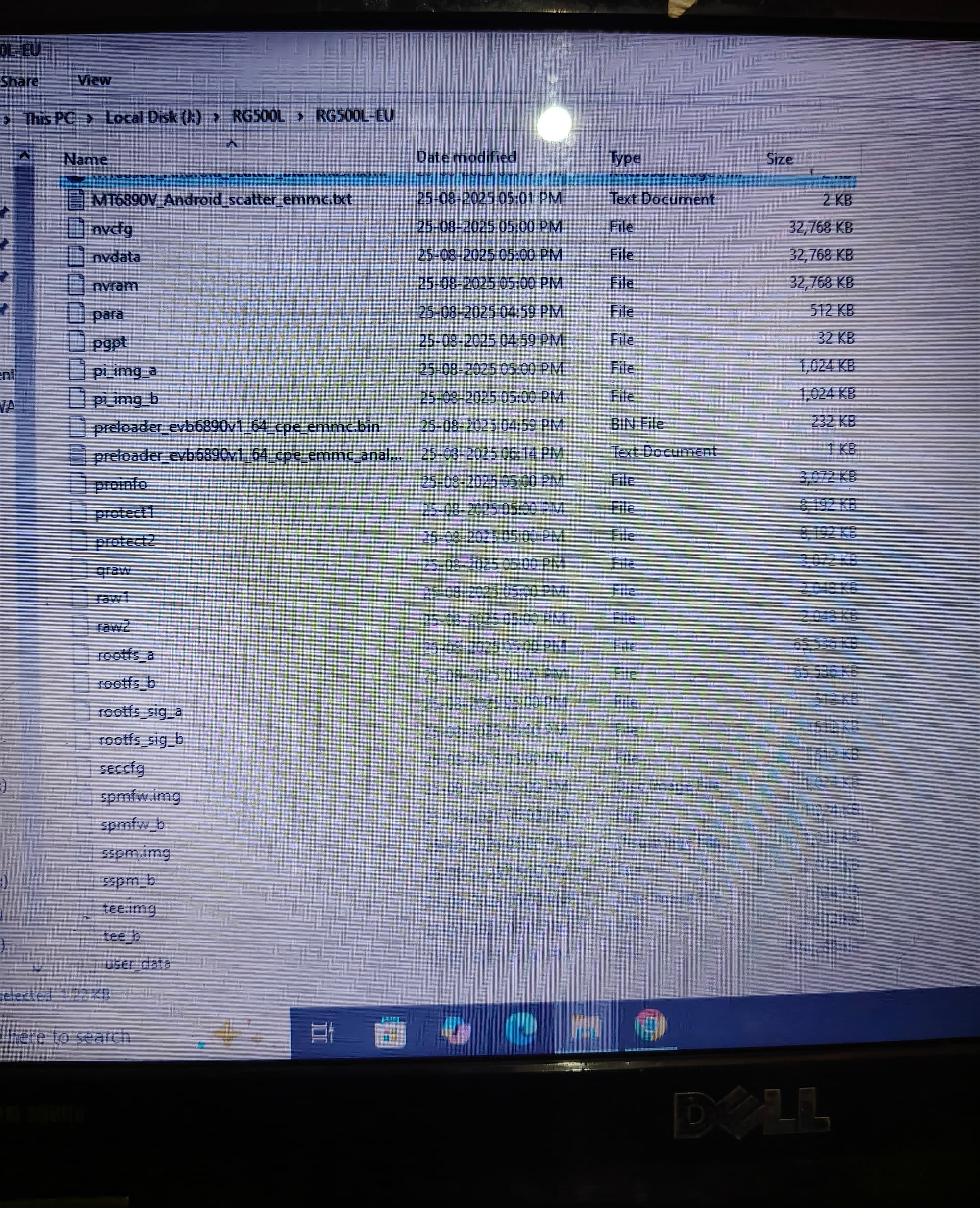
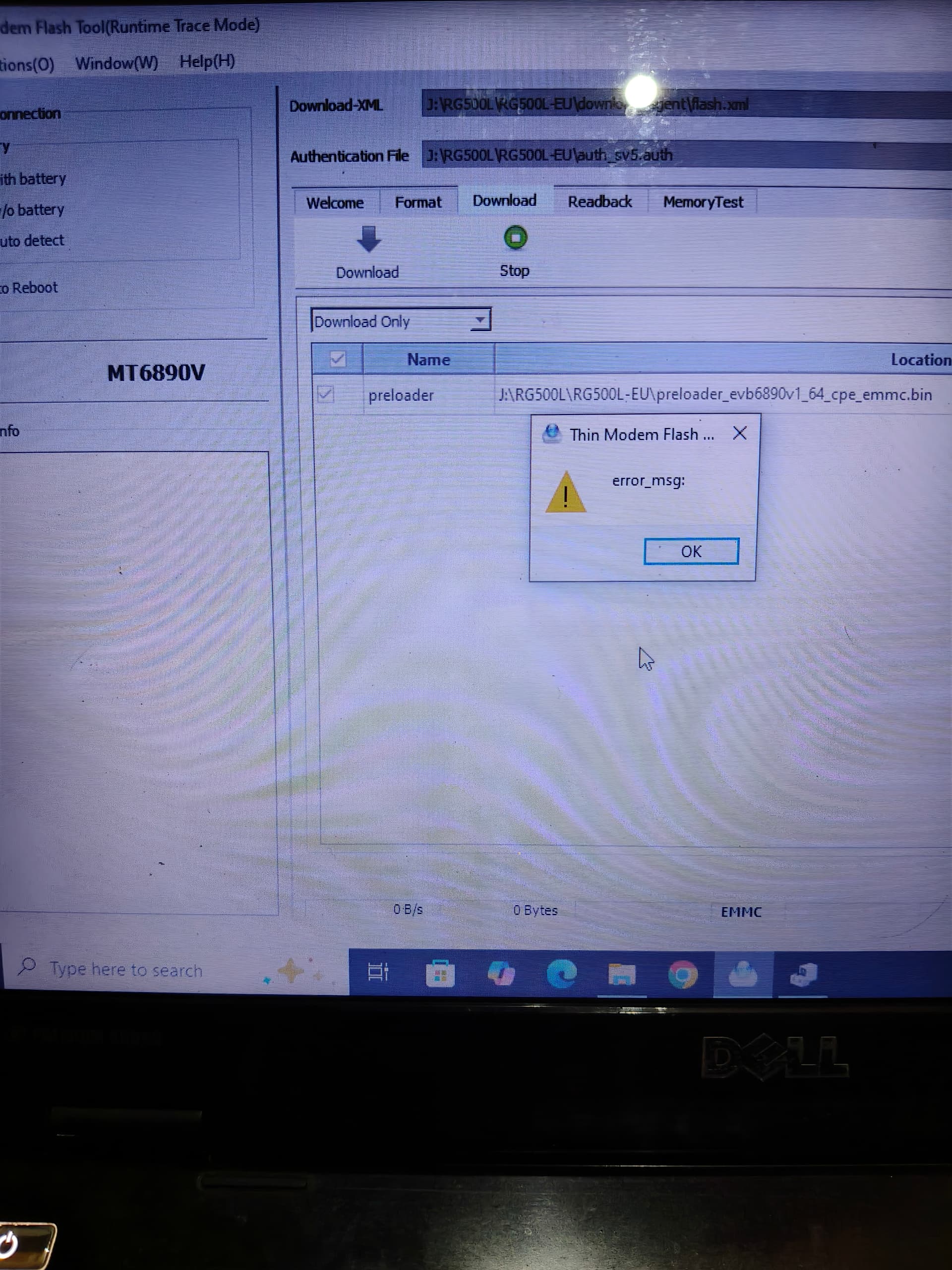
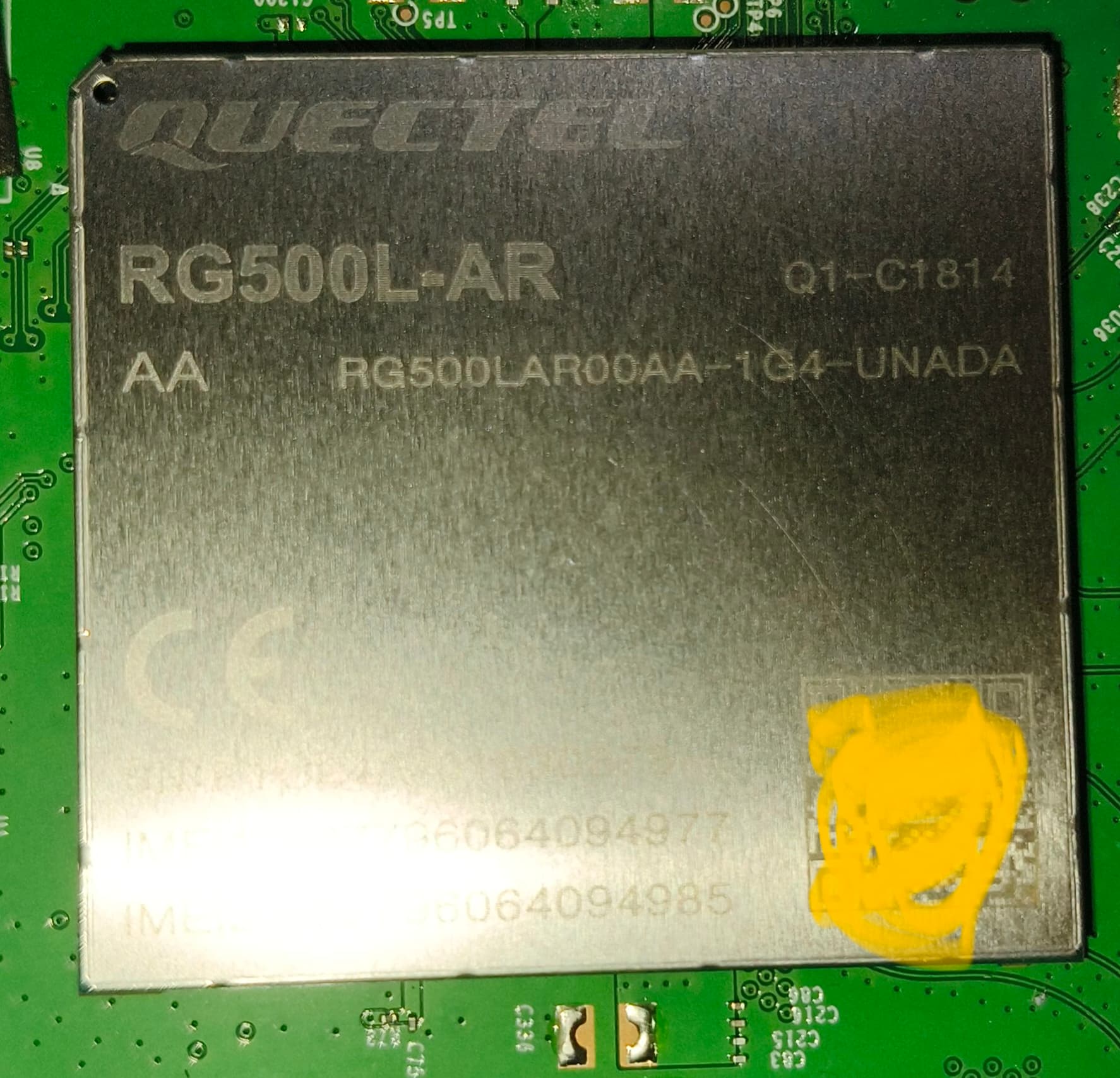
I have flashing my Rg500l module but i have lost my firmware some file and I cannot flash it. I need auth file and flash.xml file of Rg500l module. So can I flash my firmware file. Please send me these files. I have also attached the screenshot.
From your screenshots, it looks like you are using QFlash V7.4 (EN) with the RG500L_EU package and you have already selected the download XML and auth file.
Before we proceed further, kindly share:
Your current module firmware version output from AT+QGMR (or ATI if available).
The exact flashing error message / log you are seeing (please paste the text or upload a clear screenshot of the error window).
The exact RG500L module P/N / full variant from the module label (photo is fine).
Once we have these details, we can confirm the correct official firmware package/files and guide you on the proper flashing procedure.
@aghelan_loga
This auth file is not a original one , this is a universal auth file i have tried but not working also flash.xml i have created but both files are not working. The original files i have lost due to virus. I have the backup of extracted firmware folder in my another hard drive but these both files are missing that folder so I need the original auth file and flash XML file.
But in the video the folder are showing “download_agent” this folder i doesn’t have in my backup firmware folder. So I have used the universal flash.xml file so that’s a reason flashing fail. And these firmware files are correct i have flashed previously without any error.
Please share the “download_agent” or inside all files, so I can flash my module.
Since the download_agent folder is missing from your backup package, please send me your existing firmware package (zipped) via mail so I can verify the folder structure and advise the correct next step.