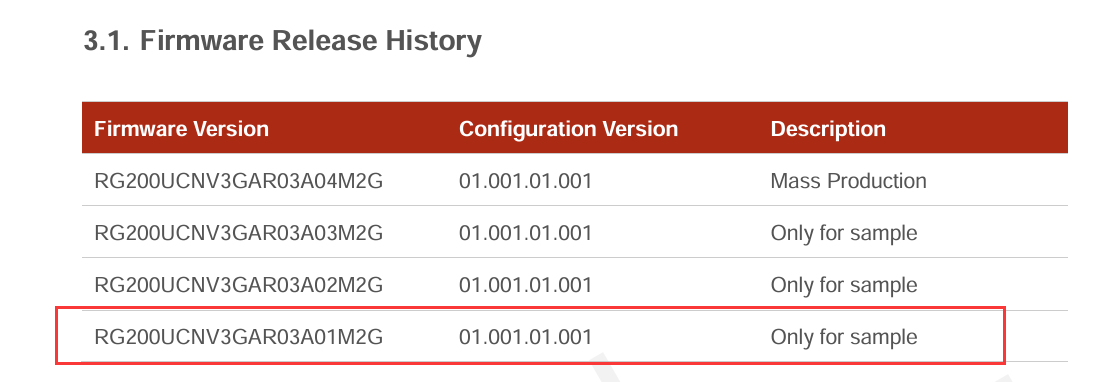
I am using an RG200U-CN modem connected to a UDX710 module, running firmware version RG200UCNV3GAR03A01M2G. The modem is permanently connected to a MikroTik device via USB-C and provides the WAN IP to the MikroTik.
The issue I’m experiencing is that the modem goes into sleep mode and disconnects from the internet after a period of time. I’m unsure whether this is due to a timer or a battery-related issue, even though the device is continuously powered via USB-C.
I explored available AT commands and found that AT+QCFG="pm/powersave" returns 1, indicating that power-saving mode is enabled. However, attempting to disable it using AT+QCFG="pm/powersave",0 causes the device to crash and become unresponsive until it is physically reset with a pin.
I also used the command AT+QCFG="pack",0 to attempt to bypass the battery, but I’m uncertain whether this has taken effect, as the battery still appears to keep the device powered when unplugged from USB-C.
Could you please advise on how to keep the device continuously powered and prevent it from entering sleep mode?
Dear @msrl
Your current firmware version is old, I have sent the latest one to you, please test again.
Please check AT+QCFG=“pm/powersave” and AT+QSCLK.
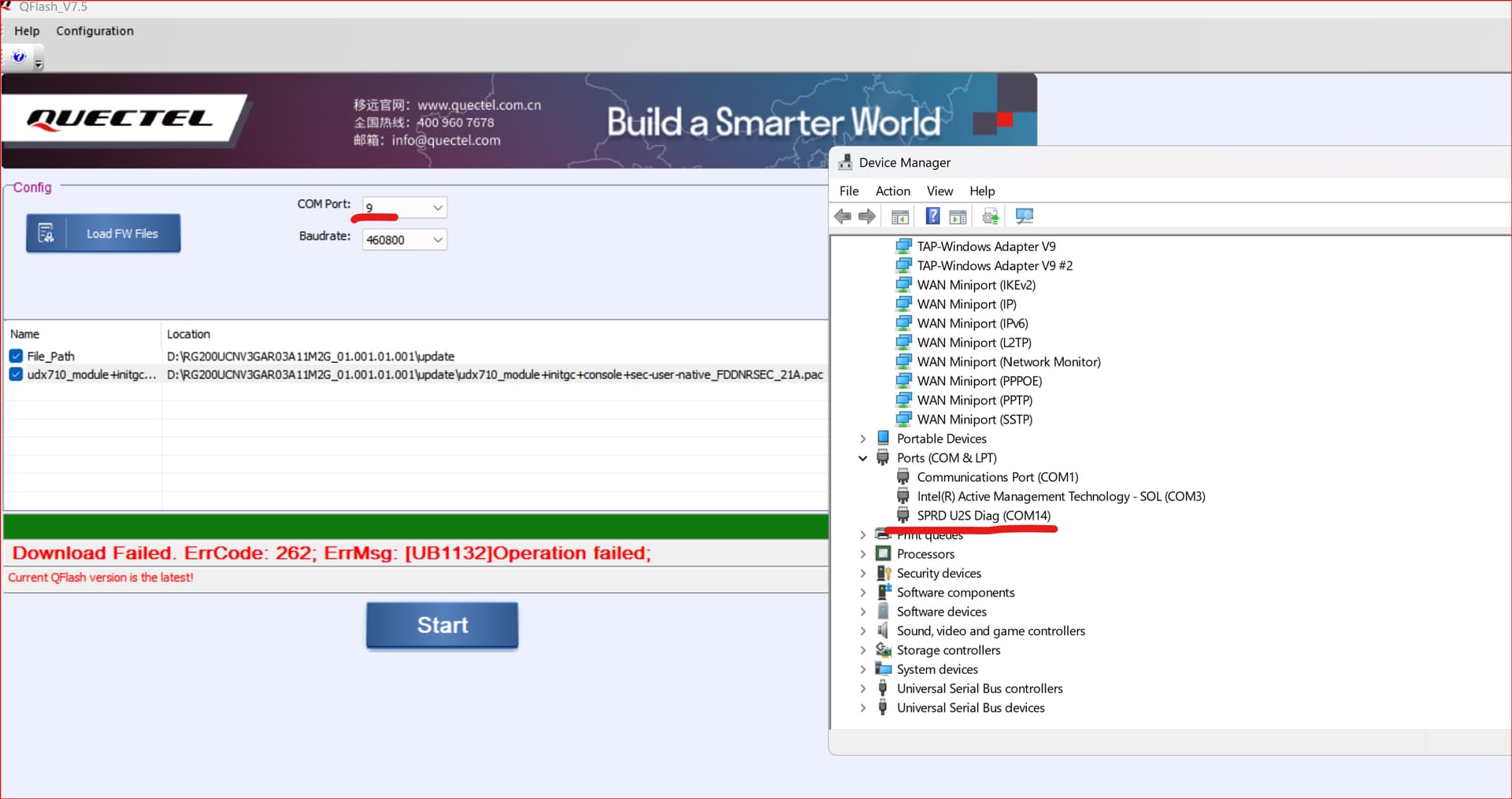
trying to upgrade with QFLASH on at port failes:
Download Failed. ErrCode: 262; ErrMsg: [UB1132]Operation failed;
the flashing starts on at port (com9) then the port changes (as described in the manual) but than it fail with the error.
please asdvise.
can you extract your current firmware ?
after update my device got bricked.
please send it to my mail nkaryan6005@gmail.com
and i have the solution AT+QDOWNLOAD=1 you can start your module in SPRD after that you can flash firmware
HI.
As to my knowledge, it is not possible to “extract” a firmware from an operational device. Firmware is a binary file that is compiled. You may ask @silvia that is answering this post to send you the file.
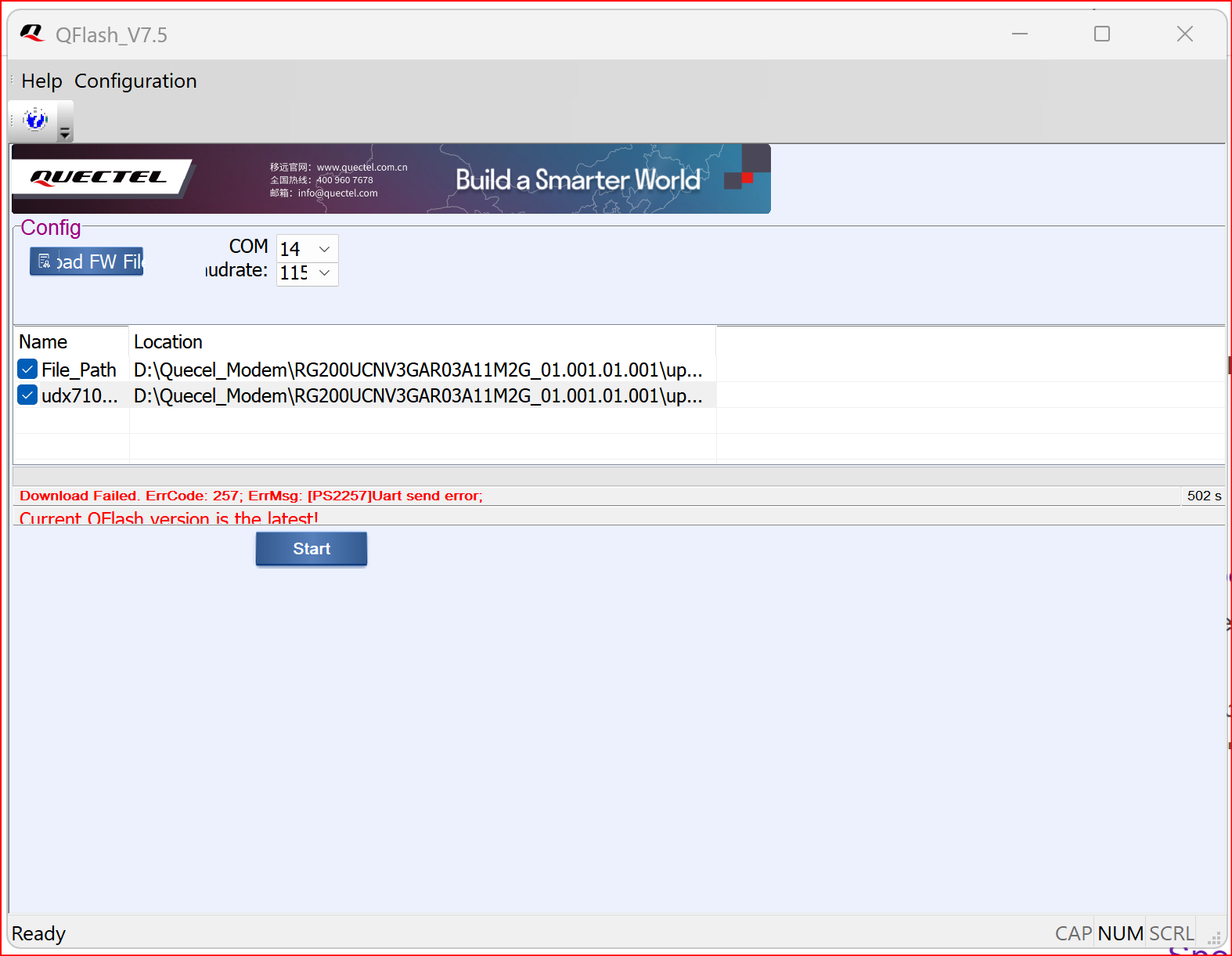
Regarding the upgrade with download =1 as you might read in my earlier post, it was not helpful for upgrading. It enters the needed mode, but upgrading fails.
Dear @silvia
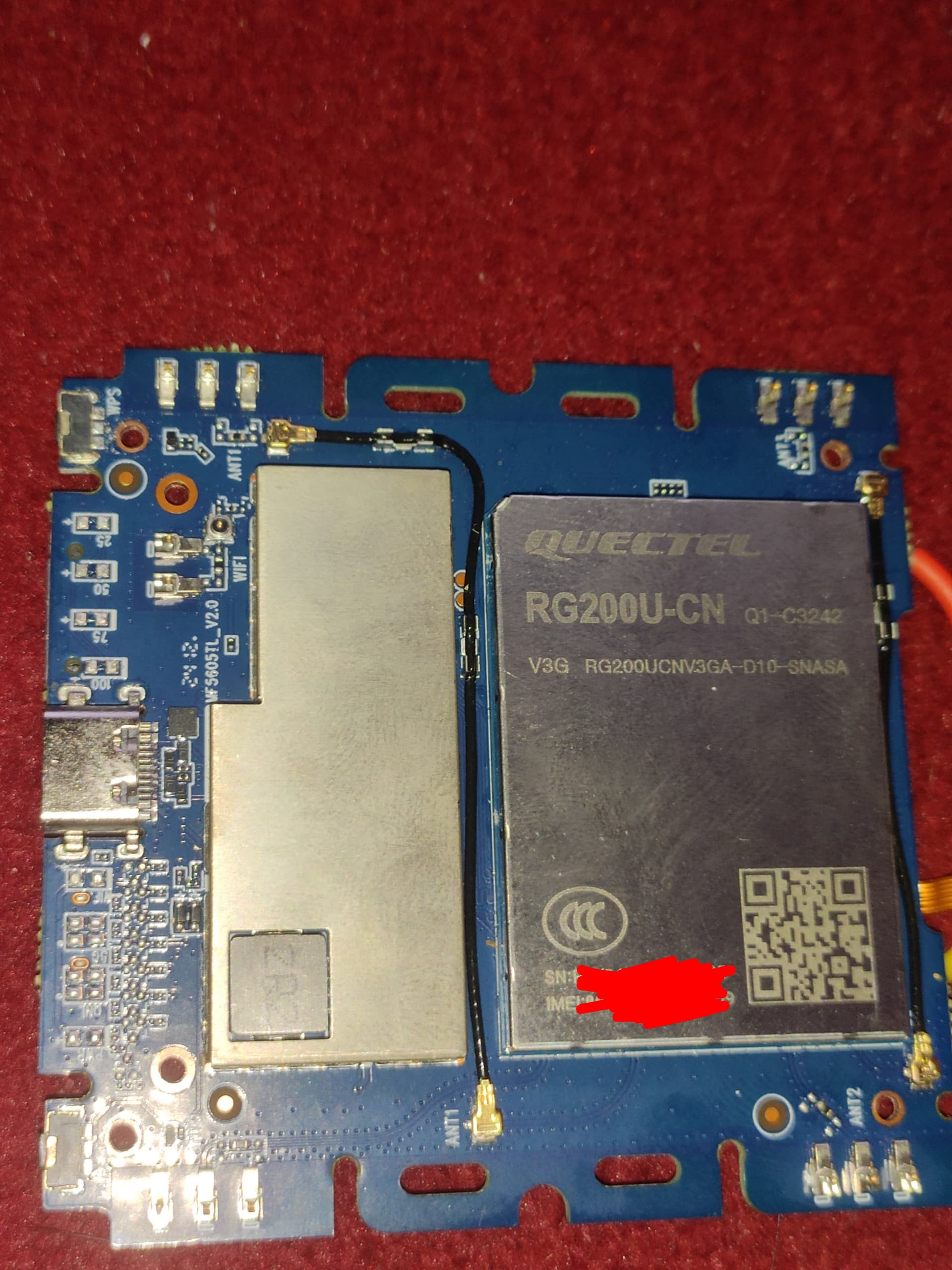
The picture above is the of the modem containing the chip. I cannot separate the chip from the modem. It comes in one piece.
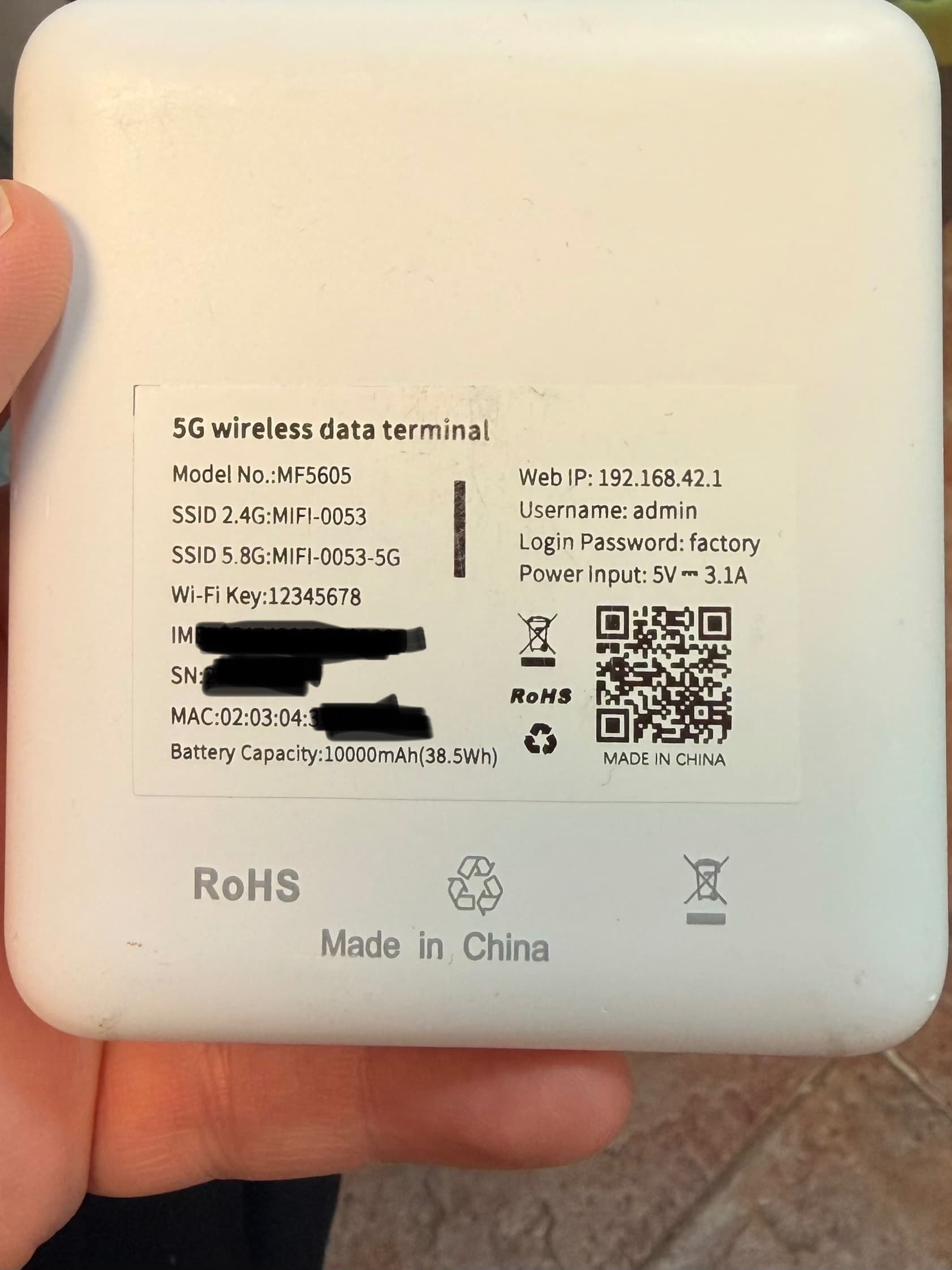
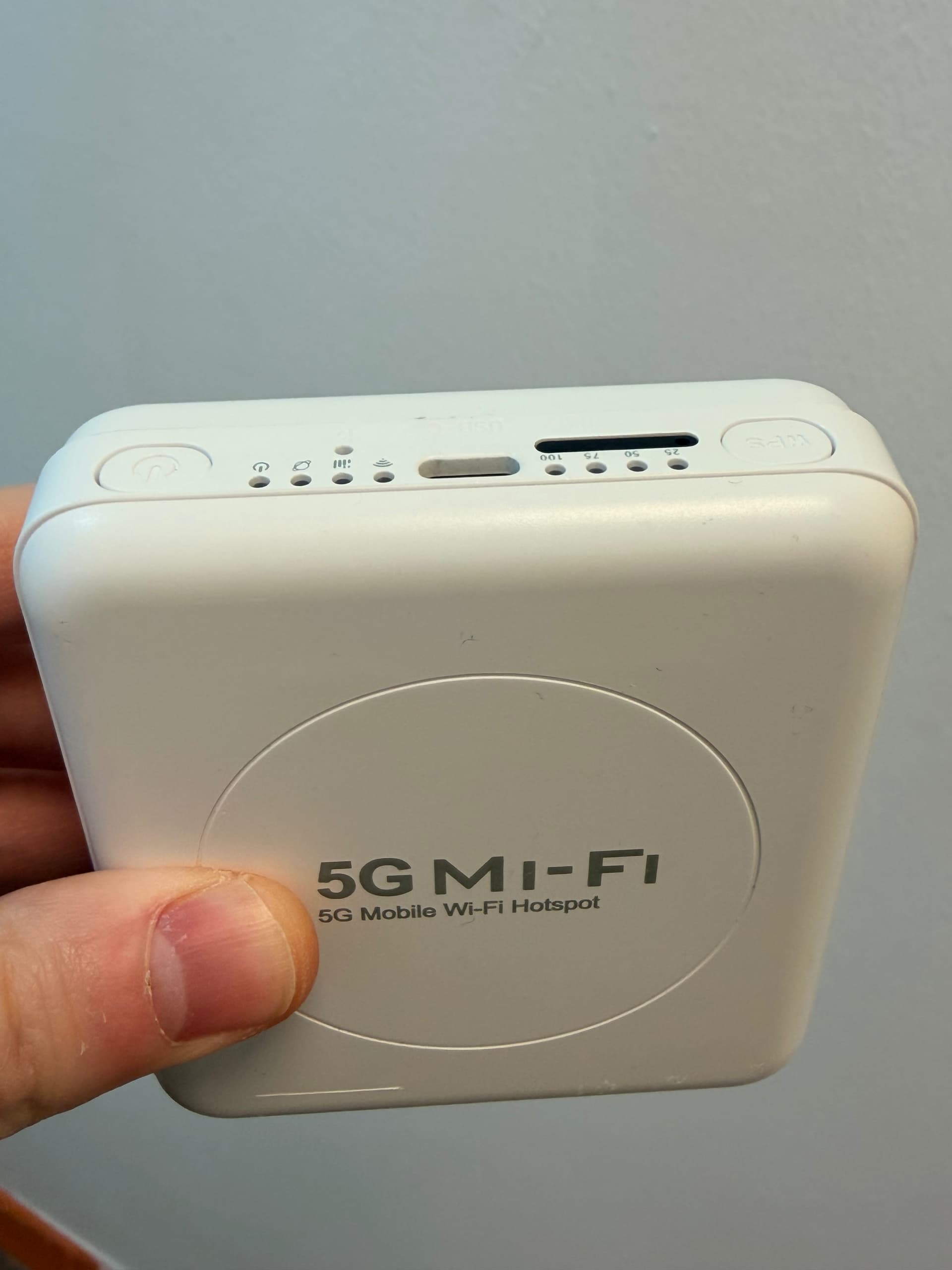
The picture above is the label on the back of the modem with the name of the model.
Attached another picture
Also attached the link for the product on AE:
I just found this on AliExpress: | 5G WiFi 6 Wireless Hotspot Router Support 10 Users with SIM Card Slot Portable WiFi Device 5G Modem for Home Office Travel https://a.aliexpress.com/_c4lChpM3
Dear @msrl
Actually, it is strange, we don’t see this behavior before, do you try to upgrade again after power off?
From the error information, it showed failed. After power off and power on, did device work or not?