TensorFlow Lite Pose Estimation Demo Using Posenet (Mobilenet)
Overview
TensorFlow Lite can be used to run lightweight machine learning models for tasks such as image classification, object detection, image segmentation, and pose estimation.
In this demonstration, we use the PoseNet MobileNet model for real-time human pose estimation. The model is based on the posenet_mobilenet_v1 dataset and runs inference on-device using hardware acceleration.
Model Download
Download the PoseNet MobileNet model from the provided link or attached file:
Model package:
posenet_mobilenet_v1.zip (1.1 MB)
Push Model to Device
Use ADB to transfer the model file into the device /opt directory:
adb push "C:\Users\yikai.chang\Downloads\posenet_mobilenet_v1.zip" /opt

Hardware Requirements
Ensure the following hardware components are connected:
-
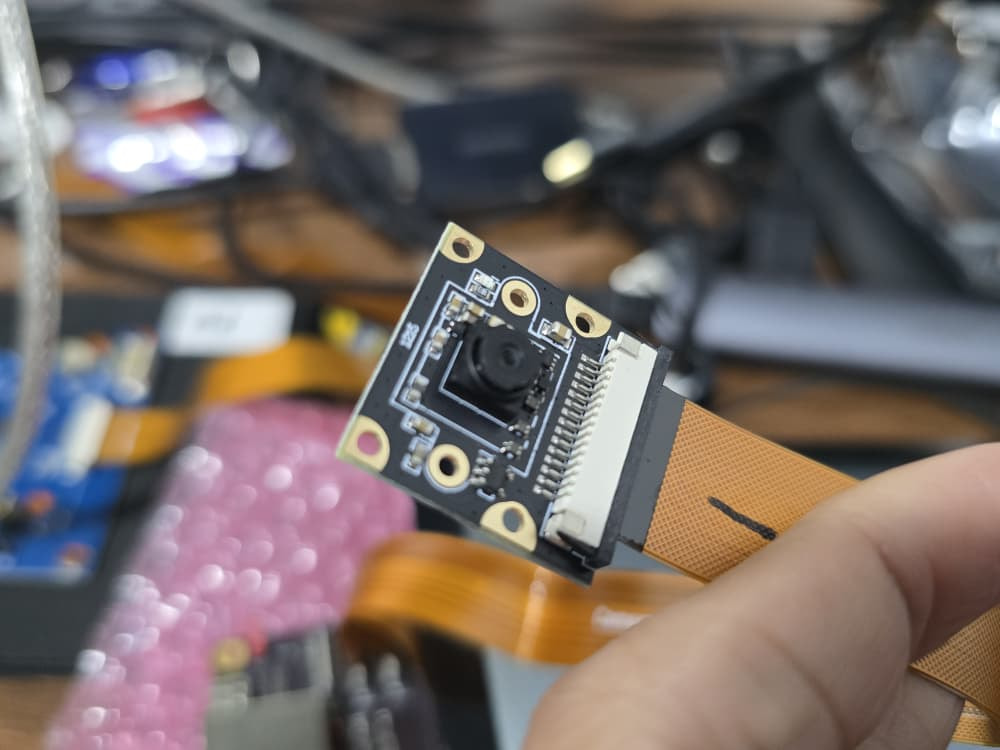
MIPI Camera
-
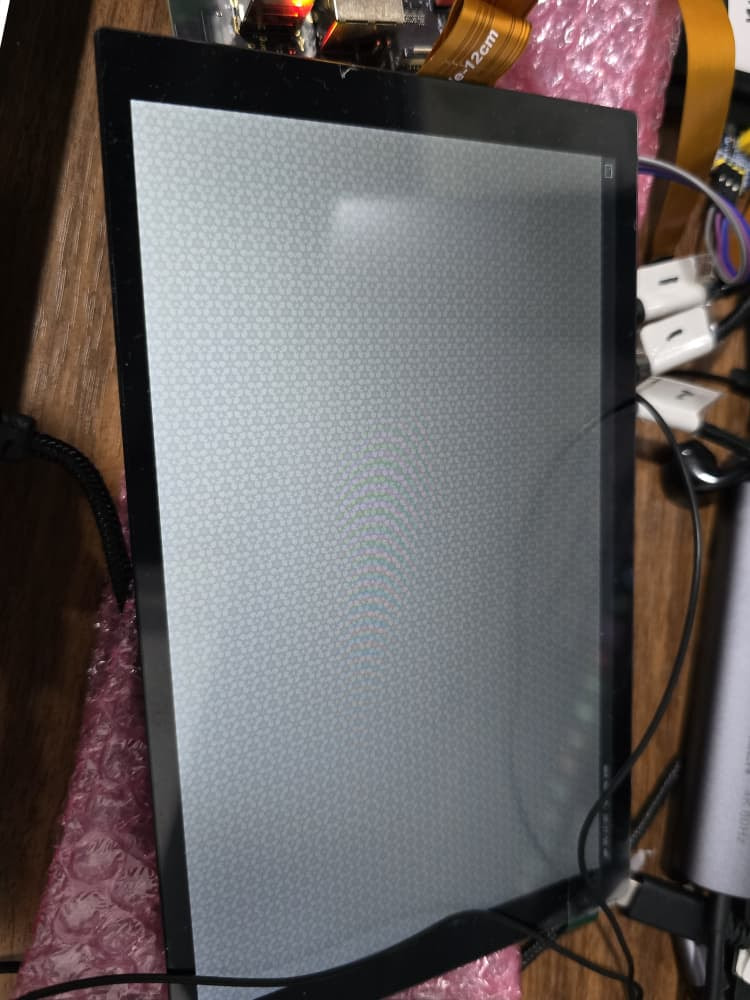
Display (HDMI / LCD depending on device setup)
Environment Setup
Before running the demo, configure the Wayland display environment:
export XDG_RUNTIME_DIR=/dev/socket/weston
export WAYLAND_DISPLAY=wayland-1
Run Pose Estimation Pipeline
Enable hardware display optimization:
setprop persist.overlay.use_c2d_blit 2
Start the real-time camera stream with PoseNet inference:
gst-launch-1.0 -e \
qtiqmmfsrc name=camsrc camera=0 ! video/x-raw\(memory:GBM\),format=NV12,width=1280,height=720,framerate=30/1,compression=ubwc ! queue ! tee name=split \
split. ! queue ! qtimetamux name=metamux ! queue ! qtioverlay ! queue ! waylandsink fullscreen=true sync=false \
split. ! queue ! qtimlvconverter ! queue ! qtimltflite delegate=external external-delegate-path=libQnnTFLiteDelegate.so external-delegate-options="QNNExternalDelegate,backend_type=htp;" model=/opt/posenet_mobilenet_v1.tflite ! queue ! qtimlvpose threshold=51.0 results=2 module=posenet labels=/opt/posenet_mobilenet_v1.labels constants="Posenet,q-offsets=<128.0,128.0,117.0>,q-scales=<0.0784313753247261,0.0784313753247261,1.3875764608383179>;" ! text/x-raw ! queue ! metamux
Troubleshooting
Issue: Model not found or execution fails
If you encounter errors after running the pipeline, it is likely that the model has not been extracted.

Check the /opt directory:
ls /opt

If you only see posenet_mobilenet_v1.zip, you need to unzip it:
unzip /opt/posenet_mobilenet_v1.zip -d /opt
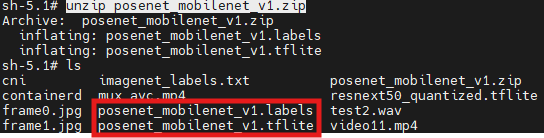
Then verify:
-
posenet_mobilenet_v1.tflite -
posenet_mobilenet_v1.labels
Re-run the Demo
After extraction, execute the pipeline command again. The system should now initialize the camera stream and display real-time pose estimation output on the screen.
Expected Result
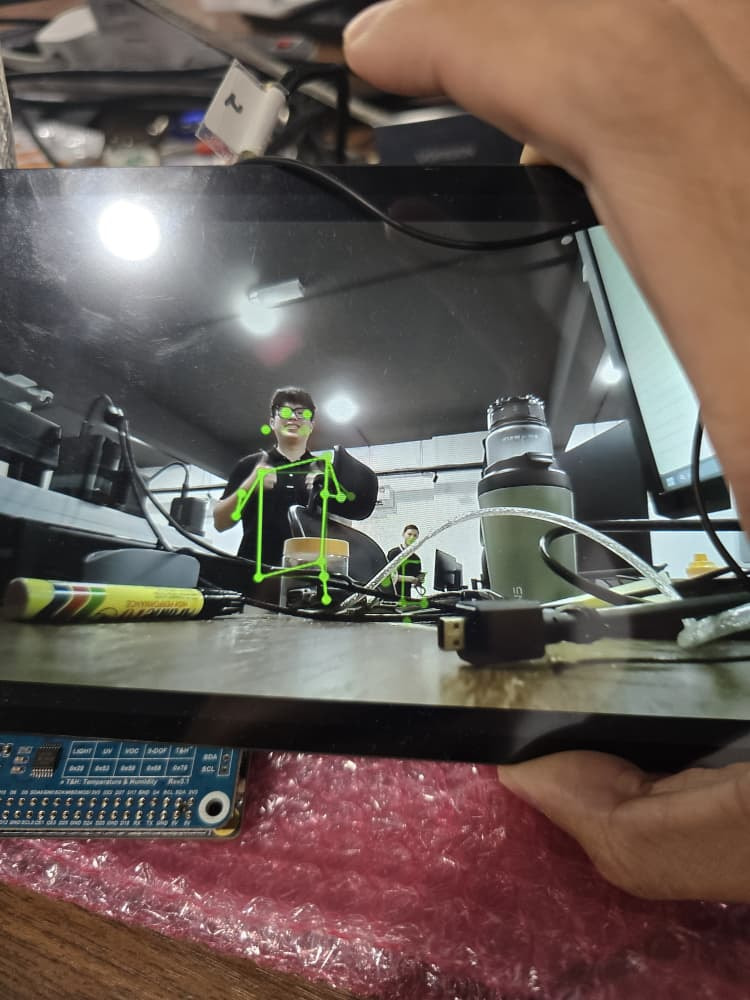
-
Live camera preview on display
-
Real-time skeleton tracking overlay (pose estimation)
-
Stable inference using TensorFlow Lite with hardware delegate acceleration