Hello, I have bought Quectel EC200U-CN, but when I want to try the module using USB, NET LED just light up but not the PWR LED. I have tried install all USB driver in Internet but the module still not show up in Device Manager, even the COM PORT not show up. Anyone have the solution? And here I upload the picture of the module.
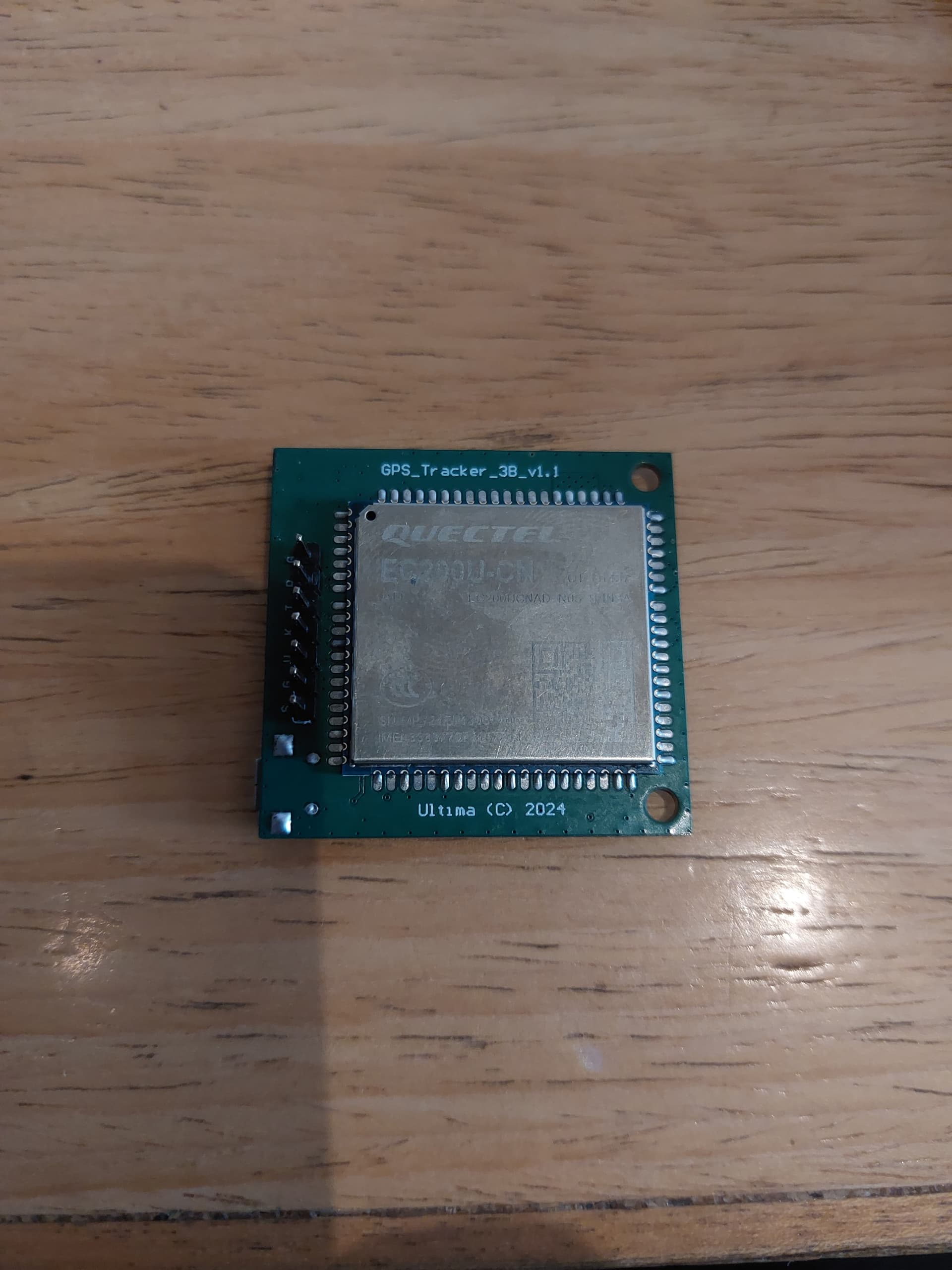
The module is not detected and it is Hardare problem. Maybe you can show how it connect with the USB host.

What it shows in the device manager?
Do you mean you can see nothing about the module?
Nothing change in the device manager when I connect the module using USB. Here I send the picture of the device manager when the module is connected using USB.

Maybe you can try a much shorter USB cable.
And you can measure some GPIO of the EC200U to check whether it power up or not.
I have tried with shorter cable but the result is still the same, and I tried to measure the VCC and GND pin of the EC200U with multimeter, it shows 2,43V, I think it’s not powering up. Is it a hardware problem?
2.43V must be not not enough to power up the module.
You need to check the Quectel Module Hardware Design.
From the picture, it seems that you just try to power up the module withe USB cable.
I didn’t see any external DC apdater.
Hello, the module is working now, thanks for your help, I have tried using external DC adapter and connected the DC adapter directly to GND and VCC pin, and tried the module using QNavigator, thanks again for your help!
Great. You are welcome.
Hi Sir, I have a Quectel LTE OPEN EVB Board and also the driver files provided at the time of purchase. My system is running Windows 11. However, the driver file is not being detected. I have checked with several cables to detect the driver, but still no success. Kindly assist with this issue.
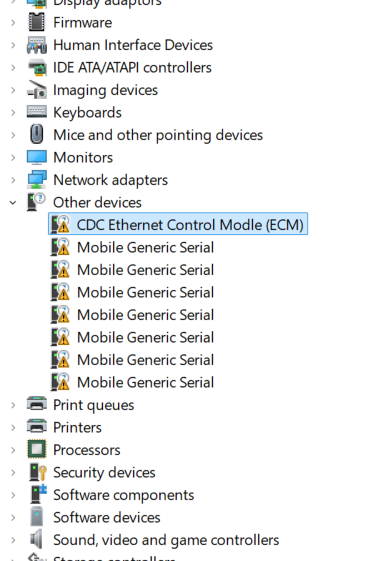
- Please install the driver.
- The modem should be in RNDIS mode.