I was using FCM360W. I try to send data from FCM360W to nRF Connect Bluetooth app.
I can Transfer data up to 20 characters. But if I send more than 20 character ,I am getting error response from FCM360W.
I was already checked in Manual AT document, I didn’t find any length change AT commands only I saw URC status, Can Anyone say how to increase transfer length.
Sorry for the late reply, and thanks for sharing your solution, appreciate it a lot.
Just to share the underlying mechanism, the MTU is always initiated by the central end, which in your case is the phone running nRF Connect. The module (peripheral) can’t set it on its own.P.
Android (nRF Connect)
Connect to the module, tap the ⋮ menu next to the device, choose Request MTU, and enter a value (up to 517, pending verify). The module will report the result through the +QBLEMTU URC.
//NO URC IMAGE//
iPhone
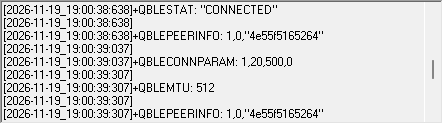
iOS doesn’t let you request an MTU. It negotiates one automatically at connection time, and apps can only read the result. On our iPhone 17 test, it defaulted to 512, as shown in +QBLEMTU.
Please note that parameters and URCs differ between firmware versions. Please use the latest firmware from Quectel, or reply in this thread and we’ll email you the firmware and tools.
On the AT side
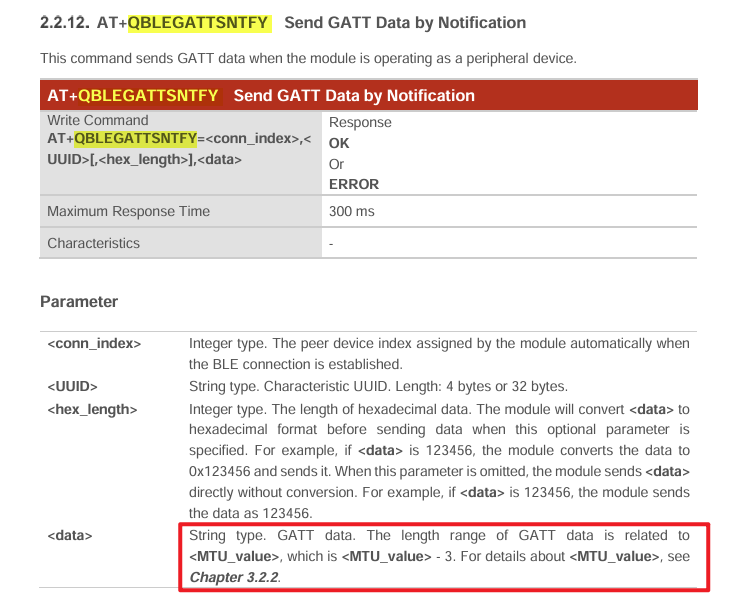
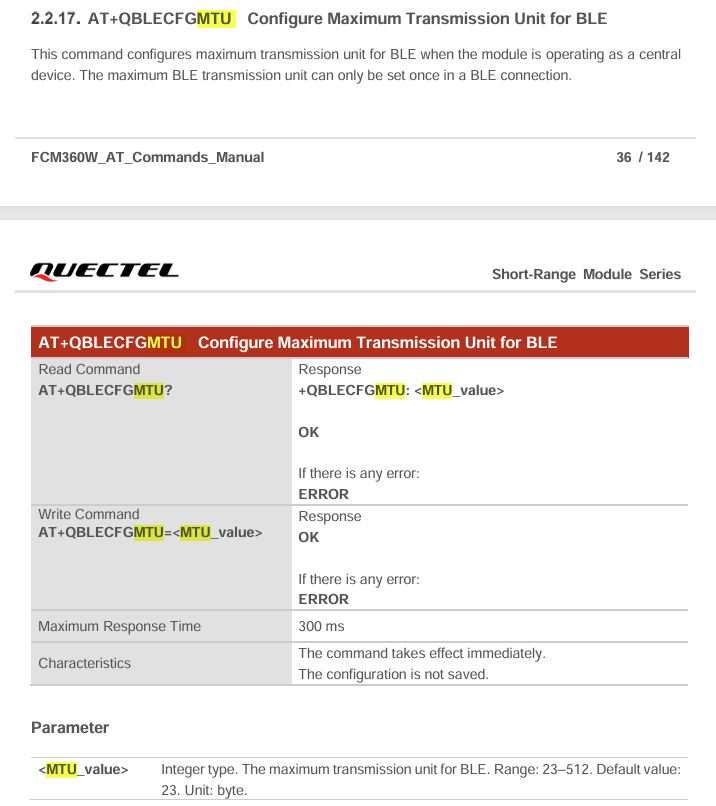
The data length for AT+QBLEGATTSNTFY is limited to MTU − 3 once the connection is established. AT+QBLECFGMTU can’t change this, because it only works when the module is the central.