Hi everyone,
Could you give example how to control GPIO in SC200 with source code in Andoid Studio?
Thanks.
Hi everyone,
Could you give example how to control GPIO in SC200 with source code in Andoid Studio?
Thanks.
Hi, LanLan:
You can refer to this demo.
GPIOJNITest.zip (6.8 MB)
The project needs an Embedded JDK, and I check from Oracle website, it have Java SE Embedded, but all extensions is tar.gz, so does that means this project run on Andoid Studio in Linux operating system, ubuntu for example. Is that correct?
hi,
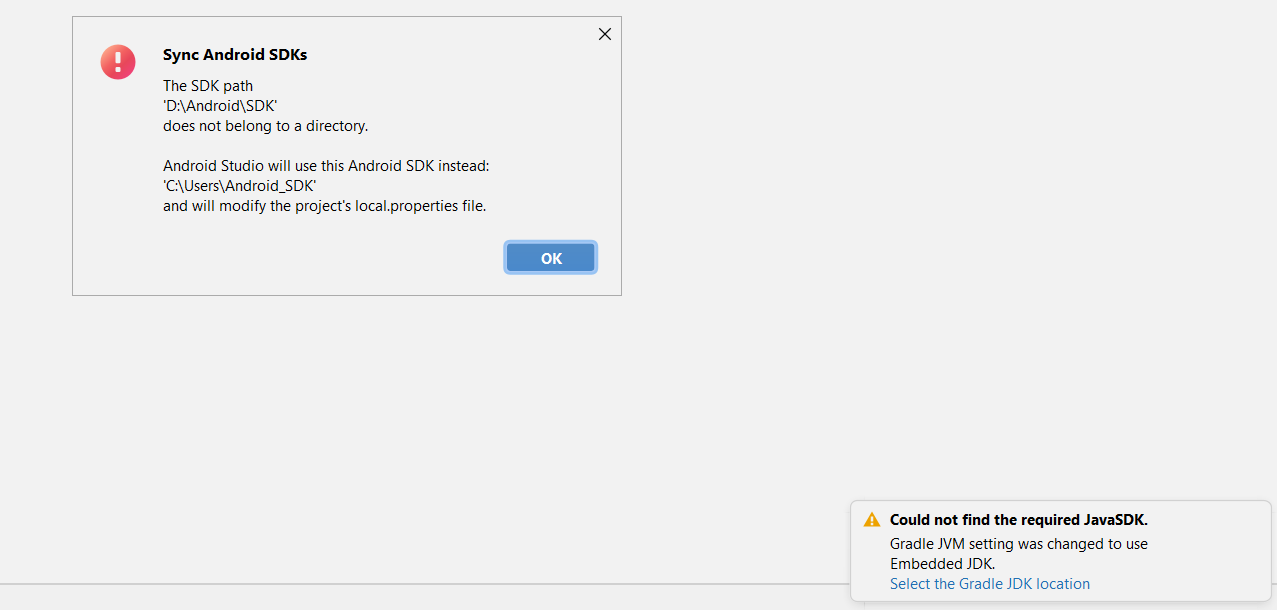
You can use your own Android SDK.
Just click OK button to change the SDK path to yours.
Sorry for responding late,
I tried both the file apk already has in the folder and the file I build in my computer. Both of them did not really work.
I know 8 gpio leds in SC200L are:
1: GPIO92 2: GPIO91 3:GPIO93 4: GPIO90
5: GPIO8 6:GPIO29 7:GPIO23 8: GPIO121
They report with error both write and read gpio.
HI,
Please do as follows first:
adb shell
su
setenforce 0
chmod 0666 /sys/class/gpio/gpioxx/value
It works, not all 8 leds just like controlling it in user space.
Thank you.
Hi @Great.Zheng-Q , i want communication controller GPIO on module SC200L. I need you support for me , thank you !
hi,Jerry:
You can refer to the demo(GPIOJNITest.zip) I provide above.
Thanks.
I don’t know how to use it?
You need to use Android Studio to compile the code.
Do you have Android application development experience?
Thanks.
yes, i user flutter for the project of me.
example of you user flutter ?
flutter is a framework.
You can refer to the demo I provide to add the code in your Android APP.
Thanks.