I have a Sparkfun RTK Device that uses your company’s chip LG290P(03)
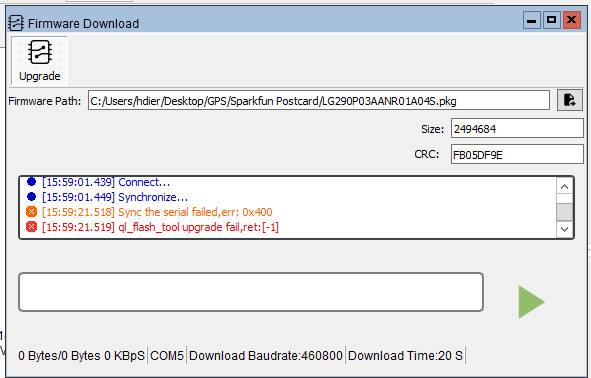
I have tried to update the firmware and received an error message as shown below:
(i have an image of your software’s error message, how can I send it to you?)
I am using the latest version of your software, and the USB-C connection and drivers are working correctly..
Kindly tell me what I have to do to update the firmware.
Also, how can I determine what the currently installed firmware version is
Thank you,
Horst G. Dierolf
Woodside, California, USA
Kindly tell me what I have to do to update the firmware.
Also, how can I determine what the currently installed firmware version is
Hallo, Horst,
The sparkfun community is very active here
I recommend you to download the manual and docs
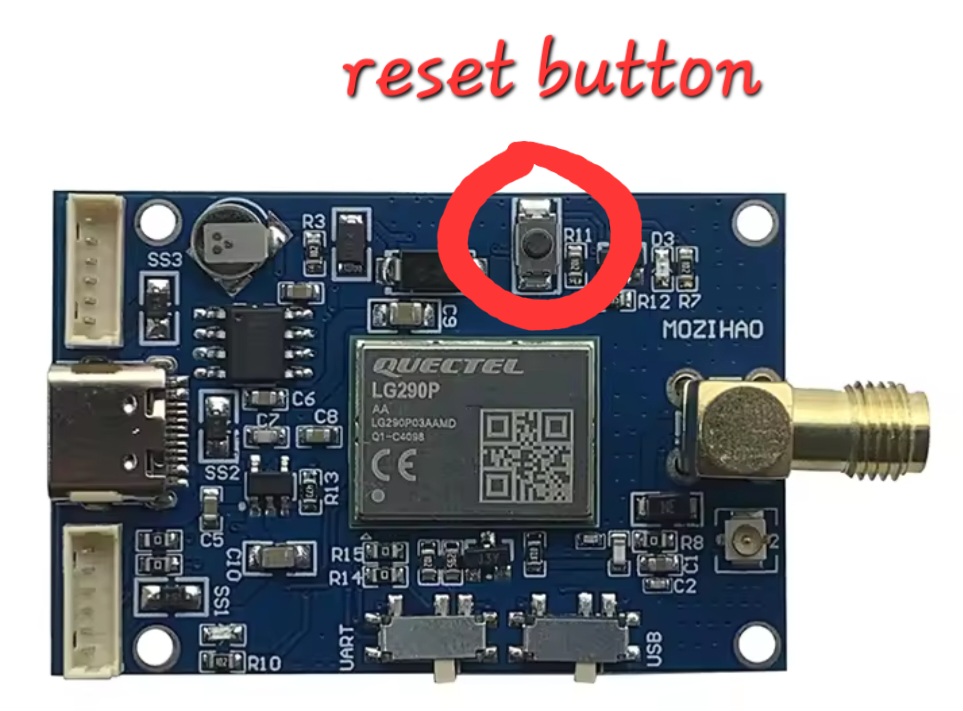
However, you must intervene with a reset at the request , if you have the Breakaut board it does not have a button, while the Postcard is updated through software controlled by esp32.
I am experiencing the same issue and would greatly appreciate your assistance.
The symptom is the same — it fails to synchronize. I have already tried the solutions suggested here:
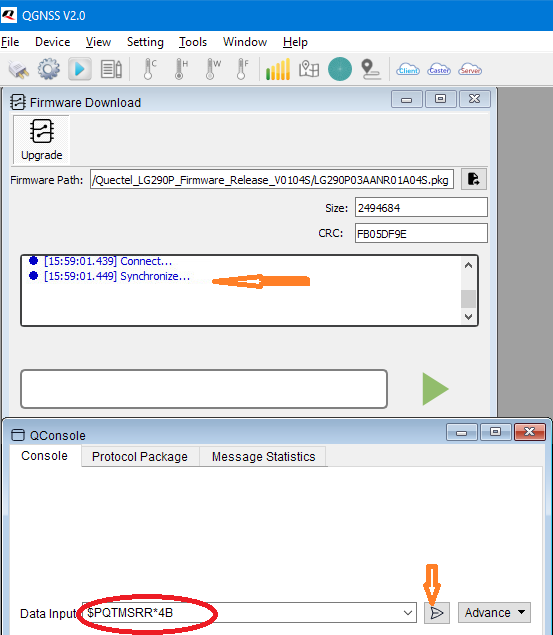
Sending the $PQTMSRR*4B command.
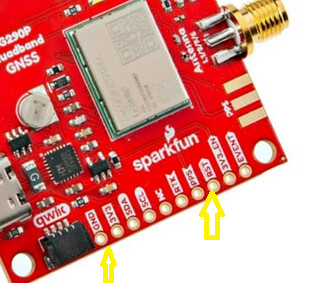
Resetting via the GND pin.
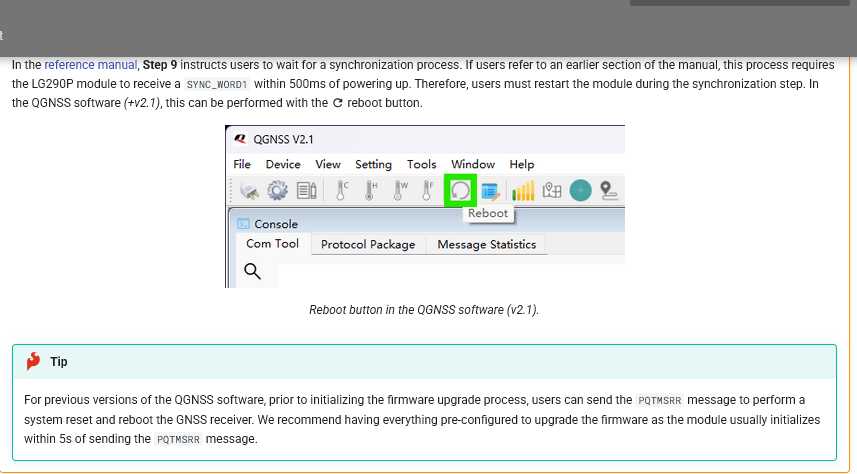
Regarding (1), I attempted to reboot via the QGNSS interface and to send the $PQTMSRR*4B command from the console. However, during the firmware update’s “waiting for sync” phase, QGNSS does not accept command input, so the reset command could not actually be sent.
Regarding (2), the reset itself does seem to occur (as indicated by the temporary pause of NMEA output on the Serial A port), but the process never advances beyond “synchronize” and still fails to complete the sync.
・I’m using the SparkFun Quadband GNSS RTK Breakout - LG290P (Qwiic).
・Pressing the Reboot button in QGNSS software did not resolve the issue.
・I also tried using the QGNSS software shared via Mega, but it still didn’t work…
Could it be that the inability to press the Reboot button or send the reboot command during the firmware writing process is an issue specific to v2.2?
If not, I have two breakout boards and cannot write firmware on either of them, so it might be an issue with my PC environment.
Although this differs from the procedure described in the documentation, I switched the serial port from B to A for the firmware upload, and it worked successfully.
To be honest, I’m not entirely sure why this resolved the issue, but everything appears to be functioning properly now.
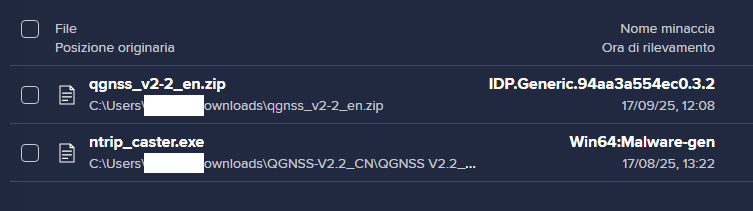
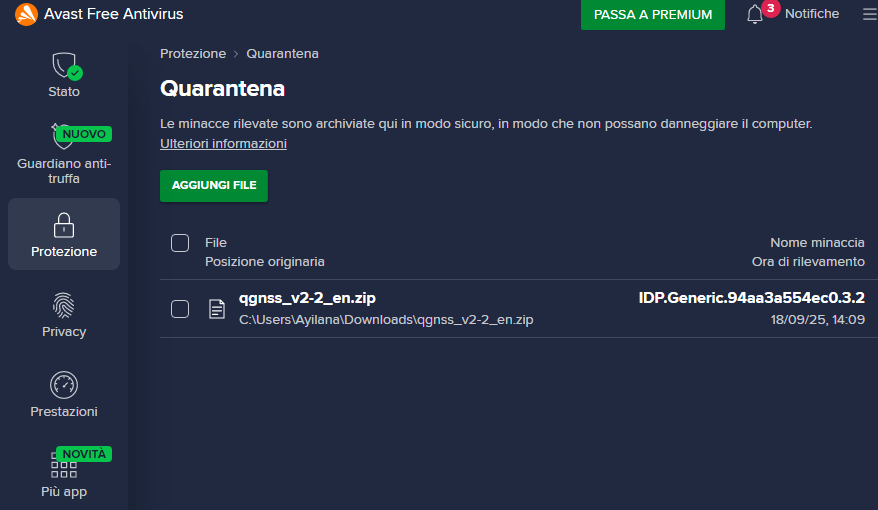
Scusatemi ma quello che sto cercando di dire è che una volta scaricato il file in formato zip, non è possibile decomprimerlo senza che l’antivirus lo blocchi per la presenza di virus,Per favore dite a chi di competenza di eiminare questo file e di sostituirlo con uno pulito, come quello presente nell’archivio del sito in lingua cinese,
La prossima volta ve lo dico in coreano…