Hai,
We have problem whit configure EM05-G module.
Please help. Thanks
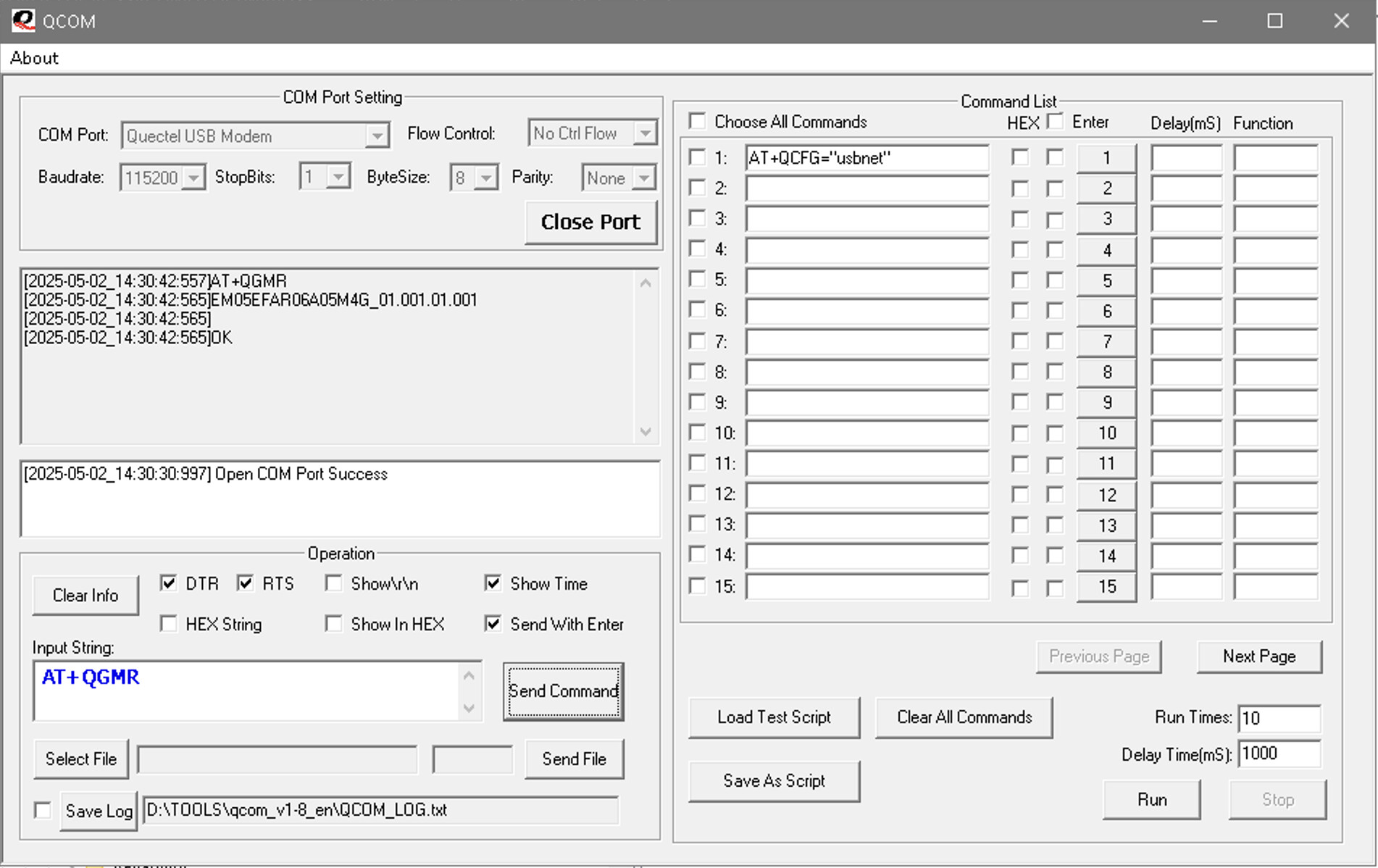
Could you please provide version informaiton by AT+QGMR?
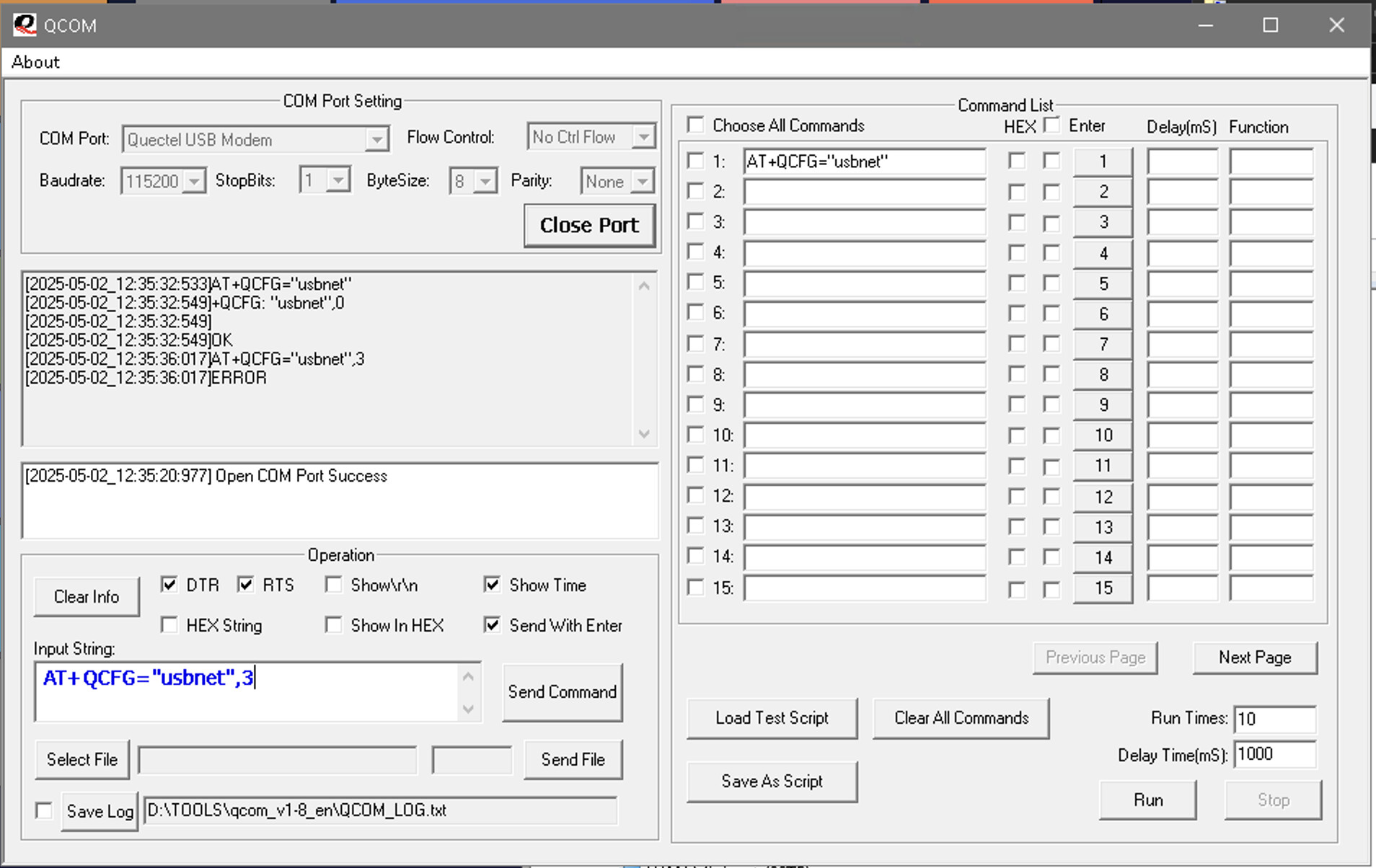
Where do you see that the value “3” is supported?
Start from running at+qcfg=?
Do not post pictures. All you need to do is copy/paste text and format it appropriately.
It is special version for desktop. Maybe you want a public version. You can connect Quectel local support team to get firmware and update.
+QCFG: “usbnet”,<0-2,4>
We use the EM05 module on a mini PC device =
Windows specification
Sorry, the value of “3” is not supported.
+QCFG: “usbnet”,<0-2,4>
We are using the EM05 module on a mini PC device with Windows 10 OS.
What is the recommended Networking over USB Protocol Configuration?
With Windows people typically use MBIM and RNDIS modes.
According to my notes, “4” is an MBIM interface specially developed and customized for the EM05 module.
We try to install Quectel_LTE&5G_Windows_USB_Driver_V2.2.4 and select value “4”
AT+QCFG=“usbnet”,4
But interface “Cellular” (Quectel Wireless Ethernet Adapter) always restart
Can you tell us the public firmware version you are referring to that is required for the EM05G module?