I’m using this evaluation board and I want to do an audio communication.
When the audio communication is established, there is no sound on the loudspeaker on the board. Microphone works correctly.
In the datasheet( G915U_Core_Board_Specification_and_User_Guide.pdf) I read:
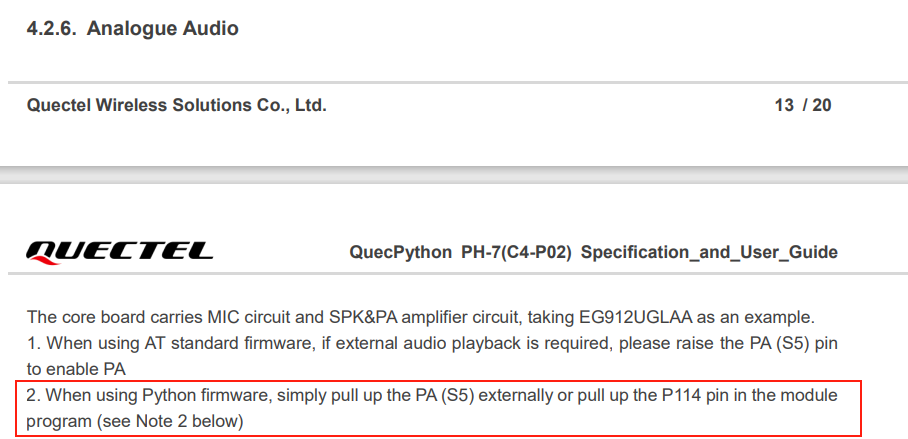
"The core board carries MIC circuit and SPK&PA amplifier circuit, taking EG912UGLAA as an example.
When using AT standard firmware, if external audio playback is required, please raise the PA (S5) pin
to enable PA
When using Python firmware, simply pull up the PA (S5) externally or pull up the P114 pin in the module
program (see Note 2 below)"
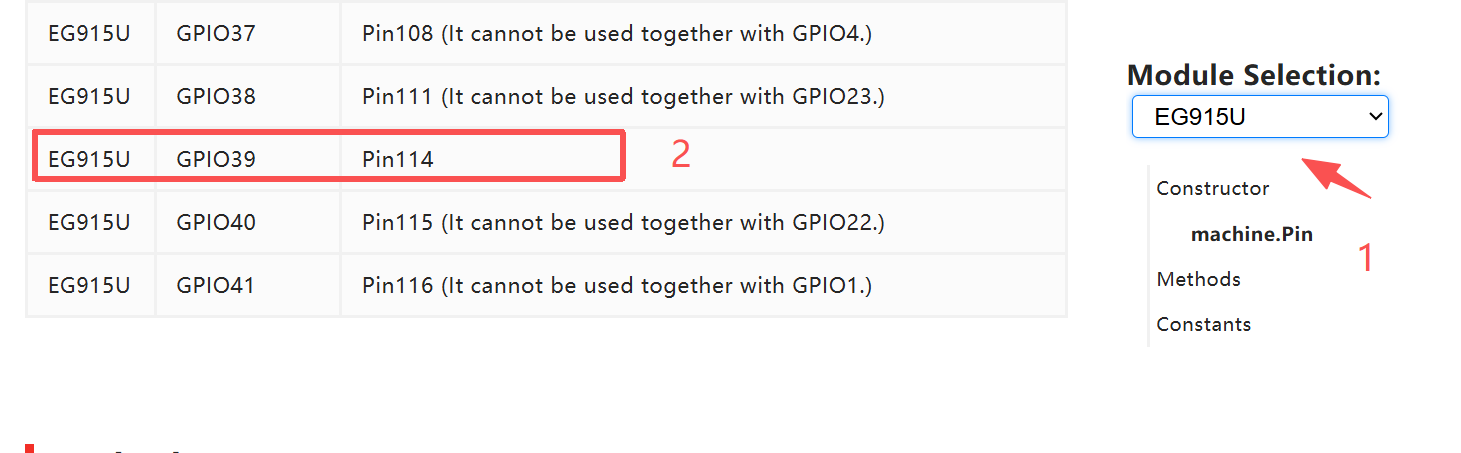
But in the PH-7C4-P02_Schematic_Diagram.pdf, P114 is not accessible and directly connected to EG915U. Is it possible to send AT command to drive P114?
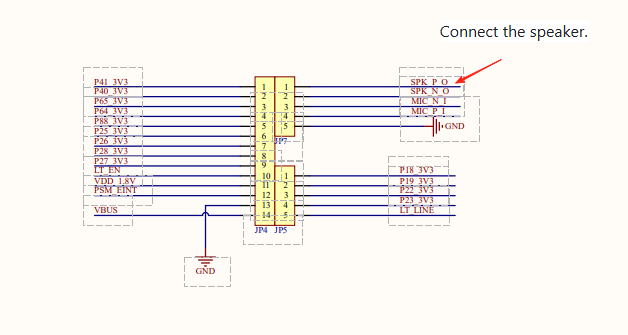
Secondly, the PA pin (S5) seems directly connect to GND… Is there a mistake?
How to turn on the internal audio amplifier to have sound in loudspeaker?
Could you take a photo of your board?
Additionally, please send ATI through the AT port so that I can confirm which firmware version you are currently using.
In attachement, in the document “Core_Board_Specification_and_User_Guide”, you can see the description of the board and the Quectel Logo’s. Why it souln’dt a quectel board?
In addition, on page 8, you will find a photo similar to the one I posted showing the same PH-7-C4-P02 card.
Thank you for sharing the document.
I haven’t used this board before, so I wasn’t sure if it was a Quectel board. Now I know that the board you’re using is a Quectel one.
I suggest you can follow the steps below to check if there is a problem.
1,Check if the speaker wiring is correct.
3,Confirm that the audio channel is selected correctly. The EG915U supports both the Earpiece channel and the Headphone channel. On this board, the Earpiece channel is used.
Thank you.
Could you telle me how to pull up P114 ? Looking the schematics, you can see P114 (U1B, EG915 pin P114) is connected to R47 ant to AW8733ATOR pin 1. But R47 is not accessible physically. I can’t place a pull up resistor and P114 is a reserved pin, How can I drive the pin?
May I ask if you are using the Quecpython firmware? In Quecpython, most AT commands have been cut due to space limitations, so I suggest you use APIs to implement the application logic.