EG915Q-JP LTE module FOTA through external Host

Hi,
We want to do FOTA EG915Q-JP LTE module through external embedded Linux platform and we have found AT command: AT+QFOTADL=“FILE:” Upgrade Firmware over Host in [At1]Quectel_EG800Q&EG91xQ_Series_DFOTA_Upgrade_Guide_V1.3.pdf.
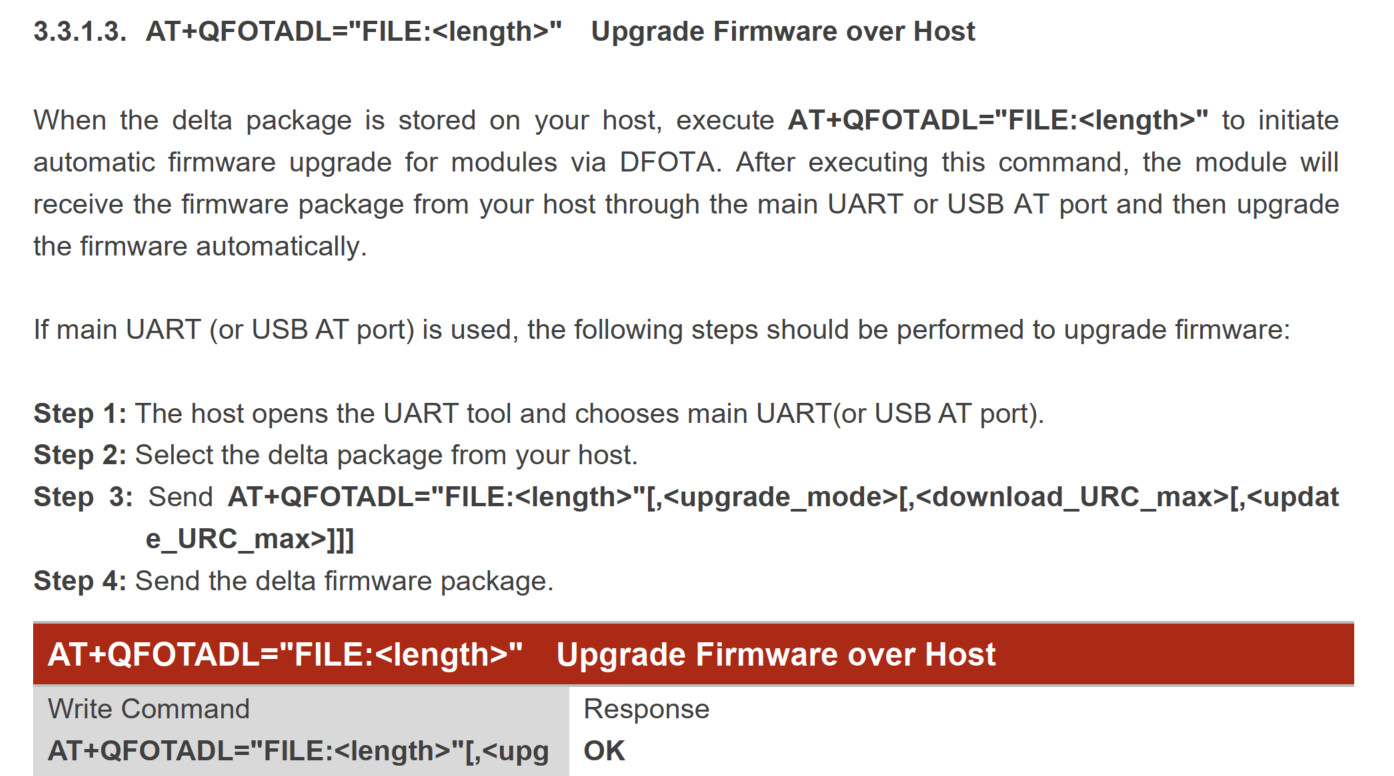
In above picture, how to do step 2 in external MCU? BTW, we can put LTE module delta firmware on Linux platform and the embedded platform can connect EG915Q-JP through USB AT port. Because If we do the AT command: AT+QFOTADL=“FILE:” in our platform, where the delta firmware put on our platform in order to be found by AT+QFOTADL? Thank you very much.

BRs.

Hi Wang Nan,

You can follow steps below, but below are steps use in QCOM in Windows but you can apply using minicom in linux.

DFOTA update via uploading directly to the module

Step1: First we have to make shure that the firmware is the same as the baseline specified in the DFOTA request. Since this a test it is recommended to find already created request, and
with QFlash update the module to a baseline firmware for the next stage of the tests. We check the version on the module with AT+QGMR.

Step 2: We need to upload the file directly to the module; in this case we are going to be upgrading from EC25AFXDGAR07A01M1G_01.002.01.002 to EC25AFXDGAR07A02M1G_01.005.01.005. We select the files which we want to upload, then send out the AT+QFUPL=“DFOTA.zip”, 99660657 command to upload the file under the name “DFOTA.zip”, when we get conformation of a recived AT command we click to upload the file. This will take some time since transfer over the AT port is limited. We have to leave it running until we get a positive response from the module OK. We can then check if its uploaded the the command AT+QFLIST=“*”.


Step 3: Send out an AT+QFOTADL=“/data/ufs/DFOTA.zip” command to update the DFOTA with the file that is uploaded to the module. The module will start to update, and will tell us when its finished

Step 4: Check to see if the firmware is updated to a correct version with AT+QGMR.