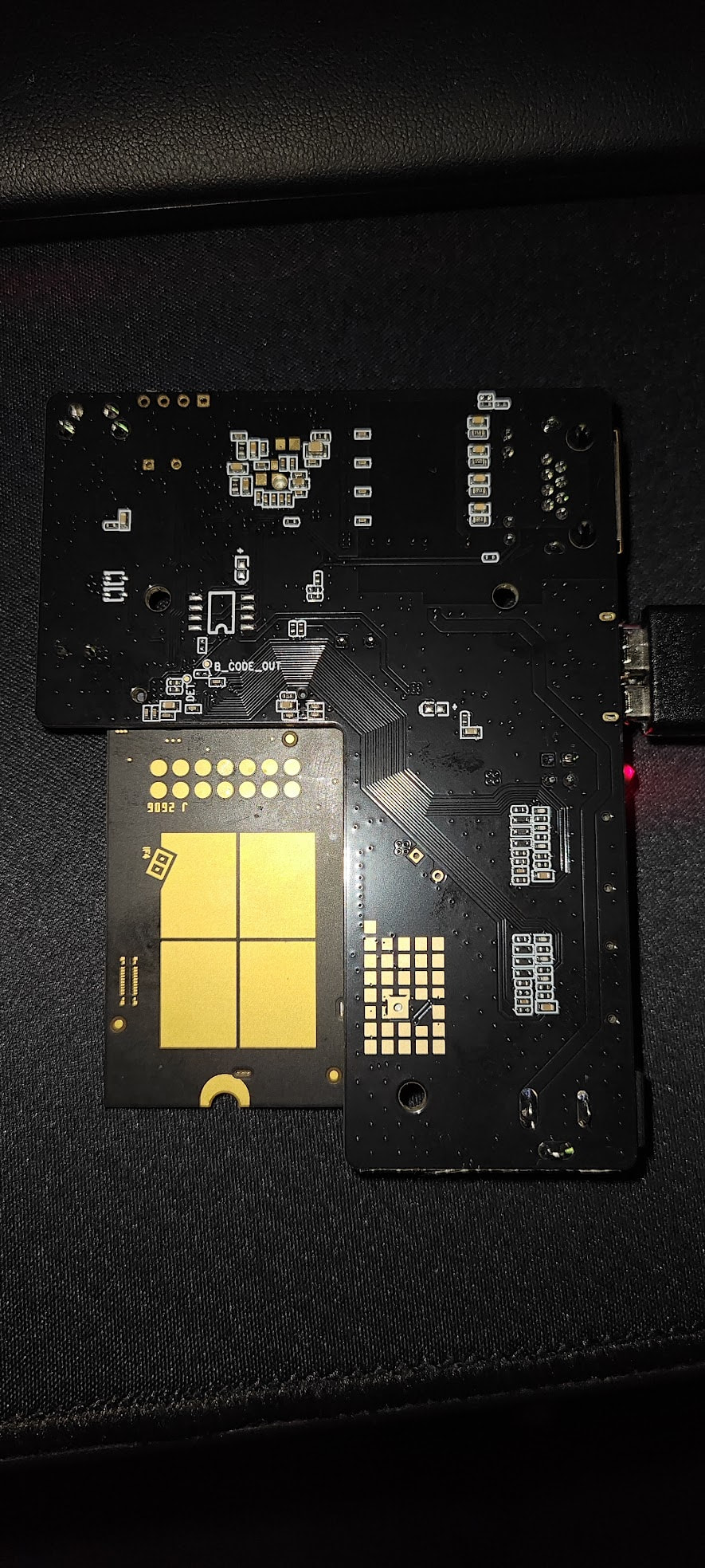
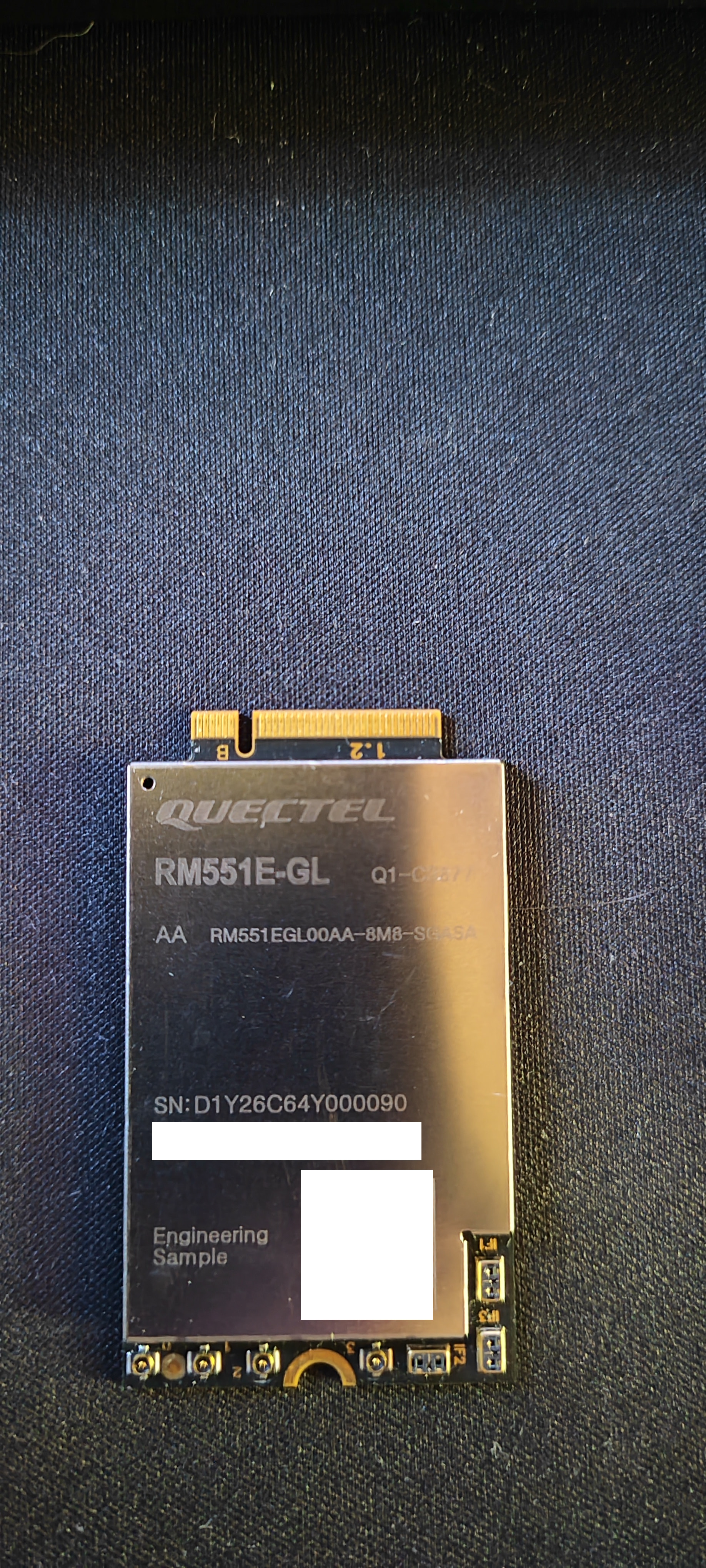
I found solution : Recovering a Bricked Quectel RM551E-GL (ES1 R02)
Date: June 20, 2026
Module: Quectel RM551E-GL — Engineering Sample ES1, R02 hardware
Cause of brick: R01 firmware flashed onto R02 hardware via QFenix
Symptom: Module no longer enumerates on USB (error -71 in dmesg), only EDL 9008 mode accessible
Outcome: Module successfully recovered with working R02 firmware
Background
The module was working correctly on 5G NSA (LTE Band 20 + NR Band 78 at 3.5 GHz) on the SFR network. A USB mode change attempt (QMI/MBIM/ECM) for compatibility with a GL-iNet GL-BE10000 router preceded an accidental flash of R01 firmware (intended for R01 hardware) onto the R02 module via QFenix. The module stopped enumerating on USB after this flash.
Tools Used
- QFIL / QPST (fh_loader.exe, QSaharaServer.exe) — 2019 version
- QFlash V7.5 (Quectel)
- QFenix (for backups)
- M.2 to USB adapter for the module
- Windows PC
Step 1 — Diagnosis and EDL Mode Identification
The module no longer enumerates normally on USB but appears in Windows Device Manager as “Qualcomm HS-USB QDLoader 9008” on a COM port (COM3 in this case). This confirms the module is in EDL (Emergency Download) mode — the PBL (Primary Boot Loader) in ROM is intact.
Step 2 — Quectel Support Contact
Quectel Support (Silvia) confirmed:
- No PBL-level signed file available for recovery
- Cross-flashing R01→R02 is risky
- Recommendation to contact the supplier
This meant Quectel could not directly provide EDL recovery tools.
Step 3 — Gathering Required Files
From a QFenix backup of a second identical working R02 module, the following files were identified:
- Firehose programmer:
prog_firehose_sdx7x.elf (1.95 MB, found in QFenix’s firehose folder)
- rawprogram XML:
rawprogram_nand_RM551EGLAAR02.xml (found in the “full XML” folder)
- Partition images: All A/B partition images (.ubi, .mbn, .elf, .img) from the backup
Step 4 — QFIL Attempt (Partial Failure)
QFIL was used to load the firehose programmer via the Sahara protocol. The firehose loaded successfully:
- Chip serial:
0x94d87276, Chip ID: 0x443
- 15 supported functions (program, read, erase, patch, etc.)
- Storage type: nand
Issue encountered: The getstorageinfo command consistently failed:
WARN: [235]NAND Error -1 (3)
ERROR: [622] open partition failed -1 (3)
ERROR: Failed to open device, type:nand, slot:0, lun:0 error:3
Storage types spinand, spinor, emmc, and ufs all failed for getstorageinfo as well.
Step 5 — NAND Erase via fh_loader (SUCCESS)
Despite the getstorageinfo failure, the erase command worked with the nand type:
- The firehose was loaded into RAM via QFlash (which handles Sahara automatically — even if the flash fails afterwards, the firehose remains loaded)
- Without restarting the module, the fh_loader erase command was executed:
cd C:\Quectel

"C:\Program Files (x86)\Qualcomm\QPST\bin\fh_loader.exe" --port=\\.\COM3 --memoryname=nand --erase=0 --noprompt --zlpawarehost=1 --maxpayloadsizeinbytes=16384
Result:
- Bad Block Check: 5 bad blocks detected (normal for NAND): blocks 800, fb1, fb2, fd6, fd7
- 4091 good blocks out of 4096
- ERASE SUCCESSFUL — All Finished Successfully
Critical point: Do not power-cycle the module between loading the firehose (via QFlash) and running fh_loader, otherwise the firehose gets unloaded from RAM.
Step 6 — Flashing R02 Firmware via QFlash (SUCCESS)
Rather than attempting to flash the QFenix backup (whose filenames didn’t match the rawprogram XML), an official R02 firmware was used: RM551EGL00AAR02A02M8G_2025_11_07
- Power-cycle the module (unplug/replug USB) → module restarts in EDL mode (empty NAND)
- Open QFlash V7.5
- Load FW Files → firmware
RM551EGL00AAR02A02M8G_2025_11_07
- The firmware already includes all required files:
prog_firehose_sdx7x.elf (2 MB) — firehose programmerrawprogram_nand_p4K_b256K_update (16 KB) — rawprogram XMLpatch_p4K_b256K (1 KB) — patch XMLpartition_complete_p4K_b256K.mbn (16 KB) — partition table
- Verify the COM port (9008)
- Start → QFlash loads the firehose via Sahara, then flashes all partitions
- PASS
Result
The module came back to life:
- Device module: RM551E-GL
- Firmware: RM551EGL00AAR02A02M8G (R02 on R02 hardware)
- USB ports: 4 COM ports detected (AT ×2, DM, NMEA)
- IMEI: present and valid
- AT commands: functional