Hello.
I received a modem EM12-G version MSFT. The standard driver is not suitable for Win10. Is it possible to send me a driver for version MSFT? I need to access the COM ports.
Thank you.
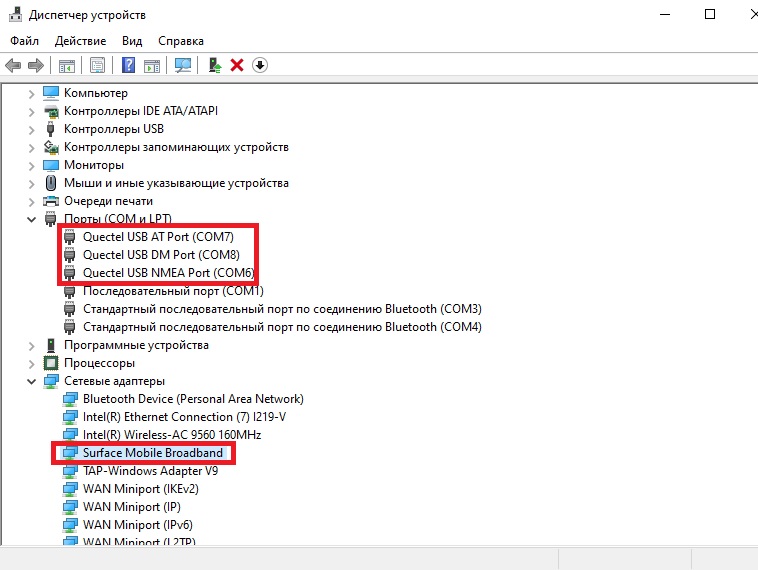
Then you’re lucky as your modem does have the ports.
In MBIT mode everything works correctly, there is Internet. The modem accepts AT commands via the program QNavigator. But if you switch the modem to QMI mode with the AT+QCFG=“usbnet”,0 command, then the Internet disappears and you cannot connect to AT Port via the QNavigator program. Also, the AT Port PID changes, it was 04 and became 01.
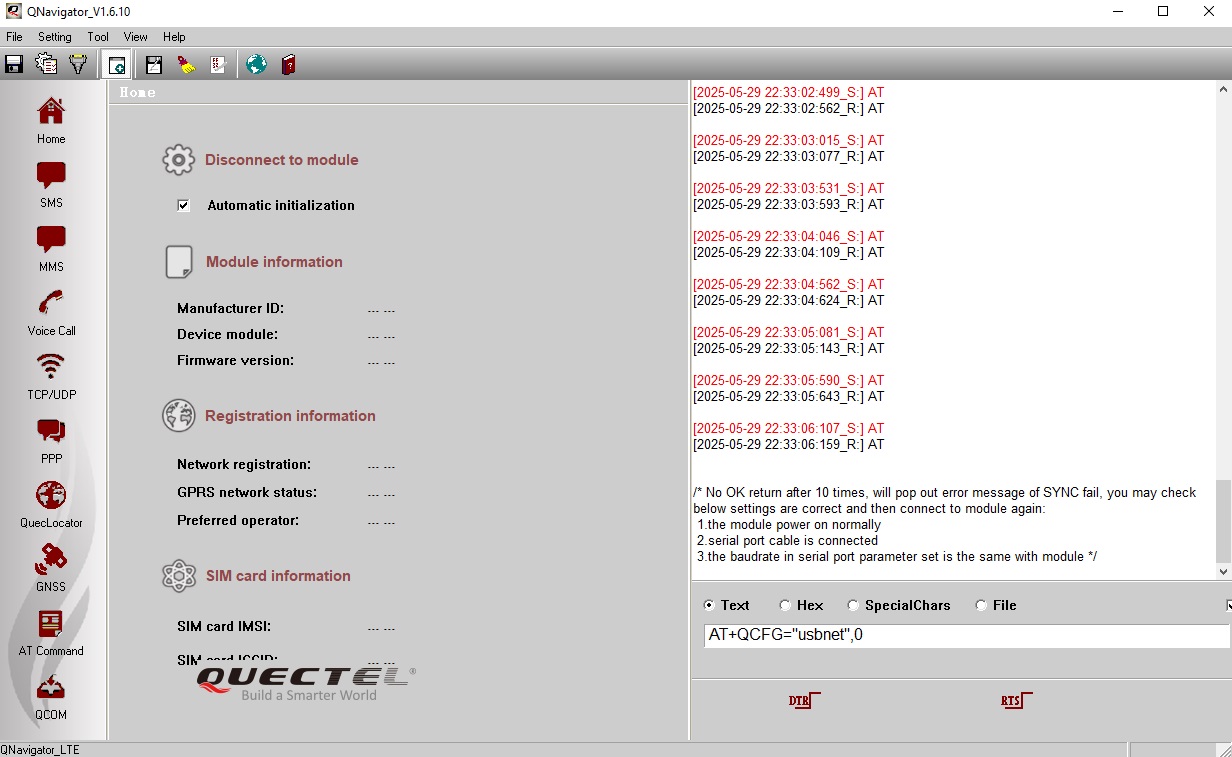
Sorry for my English…
I don’t see any point in switching it to QMI.
AT port should be If# 2 in any case (USB\VID_2C7C&PID_0512&MI_02).
However, MSFT version could be different.
My router works only with modems in QMI mode. You write that the AT port uses IF#2, but in my case it’s IF#4. I assigned the ports manually, maybe I got it mixed up?
Now I have it like this:
USB\VID_2C7C&PID_0307&MI_04 - AT Port
USB\VID_2C7C&PID_0307&MI_03 - DM Port
USB\VID_2C7C&PID_0307&MI_02 - NMEA Port
This is right?
As said, MSFT version (PID_0307) could be different. I referred to the normal EM12 with 0512 product id.
If you have a driver that picked up the interfaces as shown - then it looks ok. Anyway, it should be quite easy to validate if the port performs the corresponding function.
0307 is not known to Linux QMI driver.