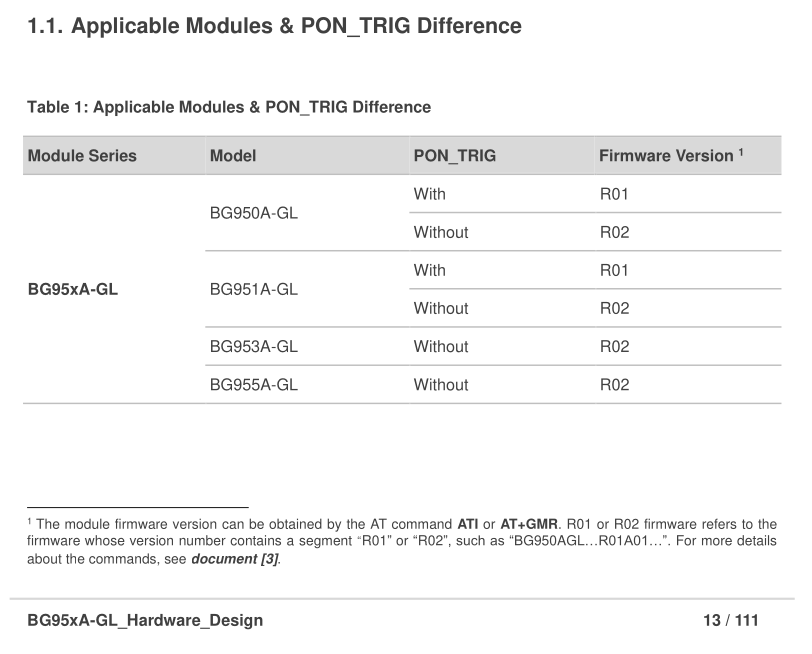
I’m working on a custom PCB that includes an MCU and a BG950A-GL modem. I’m experiencing an issue where the modem stops responding after sending a specific sequence of AT commands.
Here’s the sequence I’m sending:
(waiting for "APP RDY")
ATE0
AT+CFUN=4
AT+CMEE=1
AT+QCFG="band",0,0,0x80000,1
AT+QCFG="iotopmode",1,1
The problem occurs after the last command (AT+QCFG="iotopmode",1,1) — the modem does not return OK. After that point, if I power-cycle the board, the MCU starts up normally, but the modem appears unresponsive (no “APP RDY”, no AT responses).
I’ve reproduced this on three separate PCBs, so it seems consistent and not a single-board fault.
Has anyone seen similar behavior with the BG950A-GL? Could this sequence be locking up the modem or requiring a specific recovery method? Any insight or suggestions would be greatly appreciated.
We see the exact same thing now on BG770AGLAAR02A01_01.204.01.204, not sure exactly how this went wrong, because I’ve been running fine on NB-IoT for a week. Still investigation.
For what it’s worth we found a way to recover our boards, took us quite a while.
We toggle power key a couple of times waiting for module to respond with RDY. When that fails due to the modem being in this unreponsive state, we have a loop that sends AT&F1 (factory reset) to the module 10 times. At some point we actually get through and the factory reset command responds with OK, and after that we’re able to run normally again, but make sure not to set iotopmode to 1,1 again after recovery.
Sometimes we see that a power down is needed before we start up and run the factory reset loop again. So the sequence is basically to start up module, send AT&F1 command 10 times, powering down using PWRKEY, then do the same again - only then will the module swallow the factory reset command (while aparently not being initiated) and then back to normal.
We’re still trying to get to the root cause of this, but at least we can replicate the bricking and recovery consistently now with this odd logic.
Hope that helps, and let me know if you find anything on this one.
Thanks for confirming - that matches what we’re seeing as well.
We managed to recover the modems by spamming AT&F1 very aggressively (around 10,000 times) during boot. Once it finally goes through and the modem reboots, it comes back working normally again.
We haven’t found anything more on the root cause yet. So far, the only guidance from Quectel is to update to the latest firmware: BG950AGLAAR02A01_01.300.01.300, but we haven’t been able to update the firmware so far.