I hope this e-mail finds you well, I have been in a struggle for almost one whole year trying to find the manufacturer of my router and after hours of research and data comparison i believe that you are the only ones who will be able to help me.
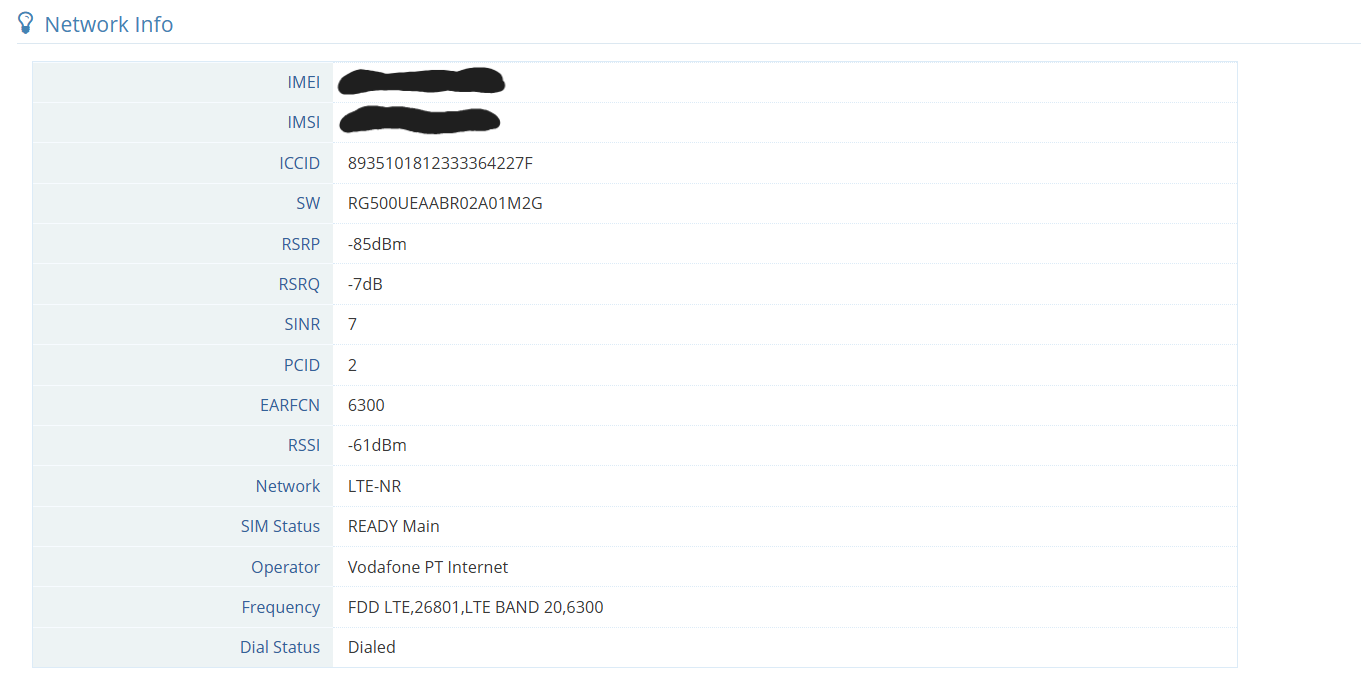
I experience issues with my router on a daily basis, from sudden crashes that kill the internet connection and that require me to reboot the router, to issues with the scheduled reboot in which the router will never reboot on it’s own, and even reception issues where even with the aid of an external TS9 antennae i am still getting about half of the speed that i get from my mobile phone in the same location.
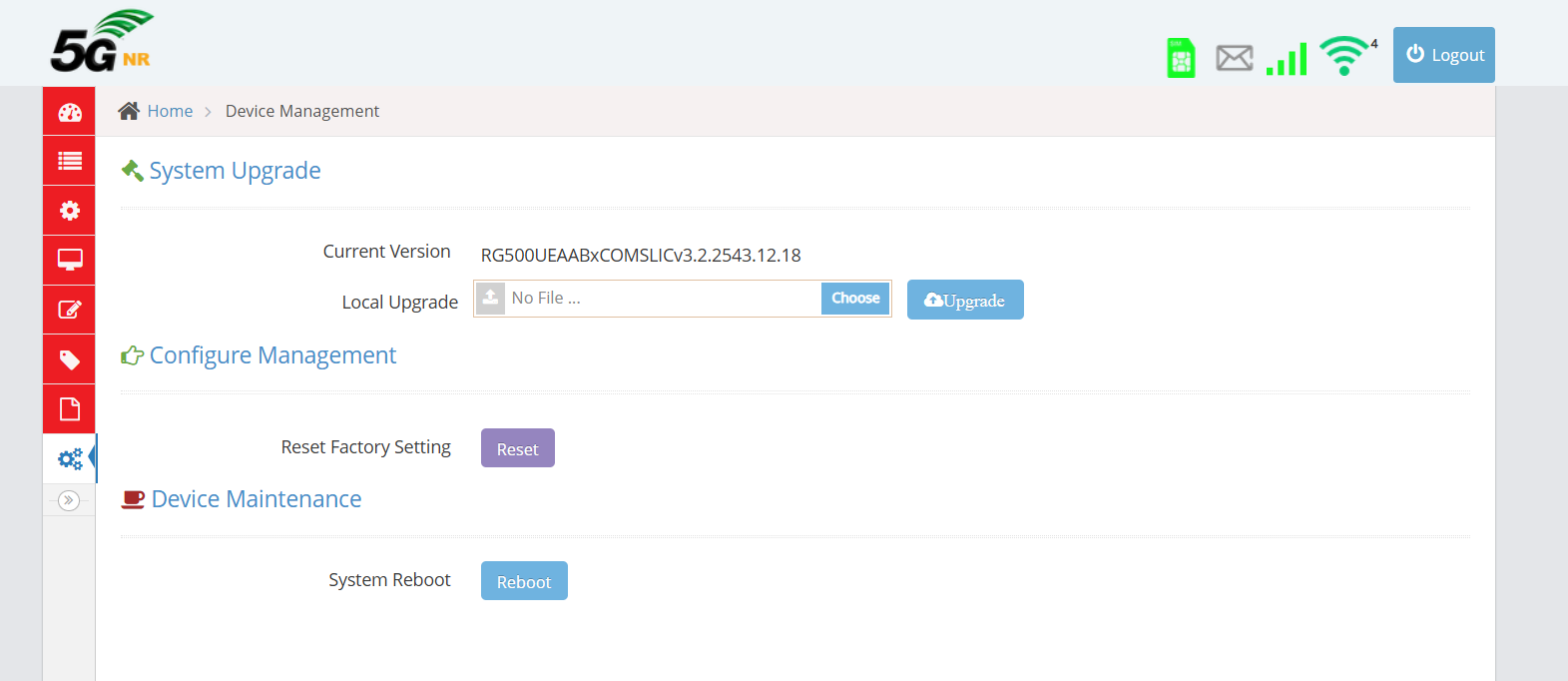
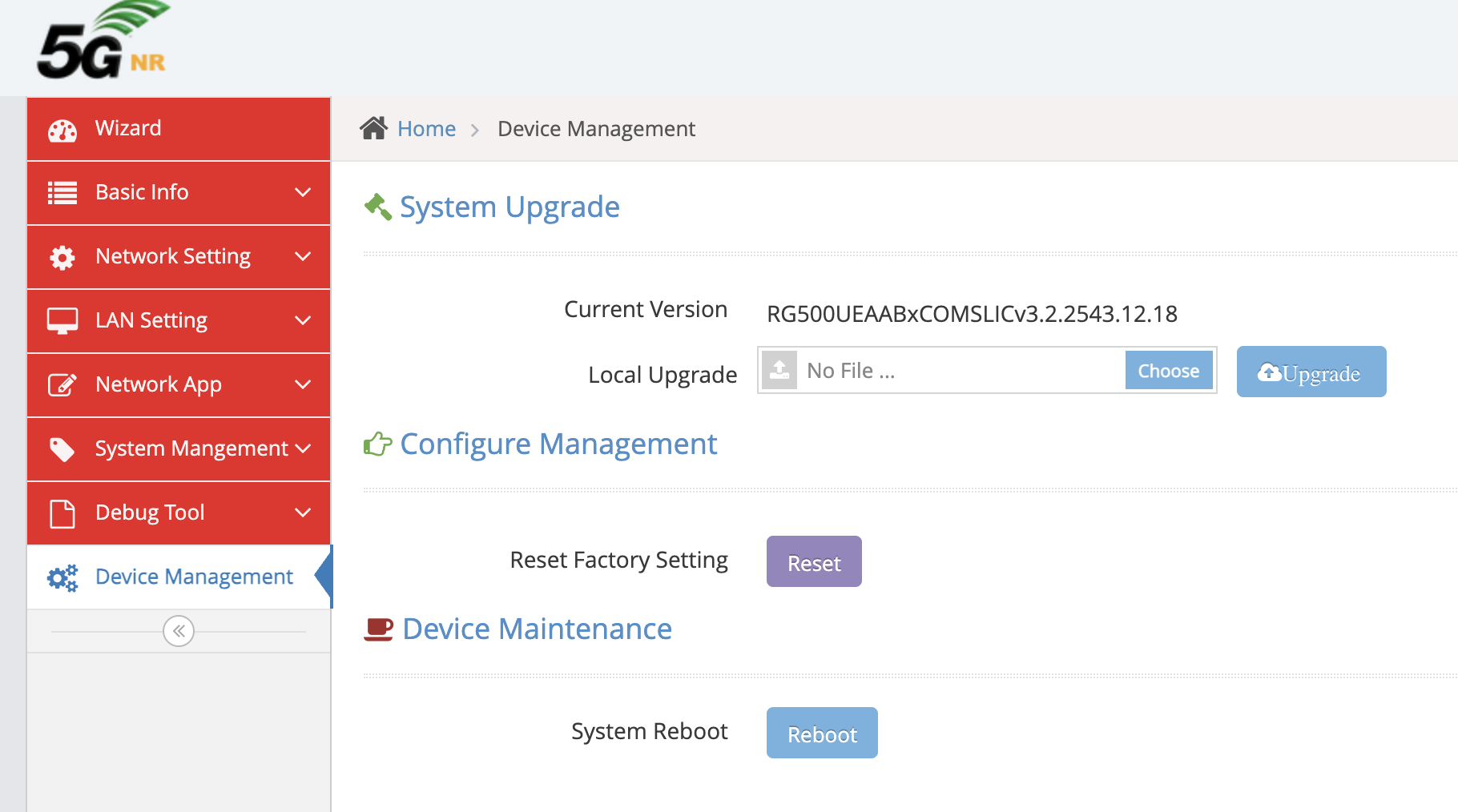
The router control panel does not indicate where i can download the compatible firmware updates and throughout my research the only thing i have found that was relatively helpful was a few posts where i saw other users reaching you directly for their respective firmware upgrades.
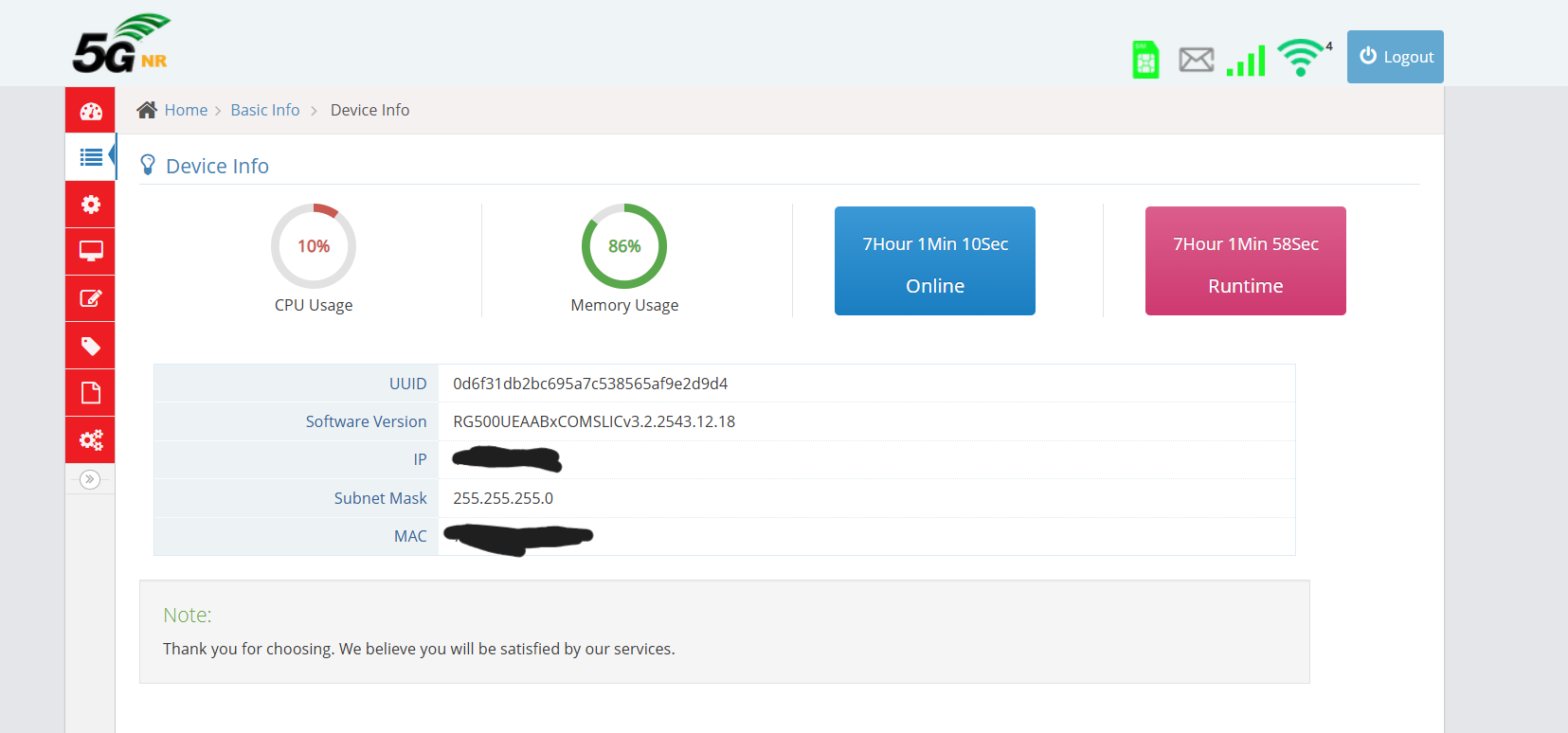
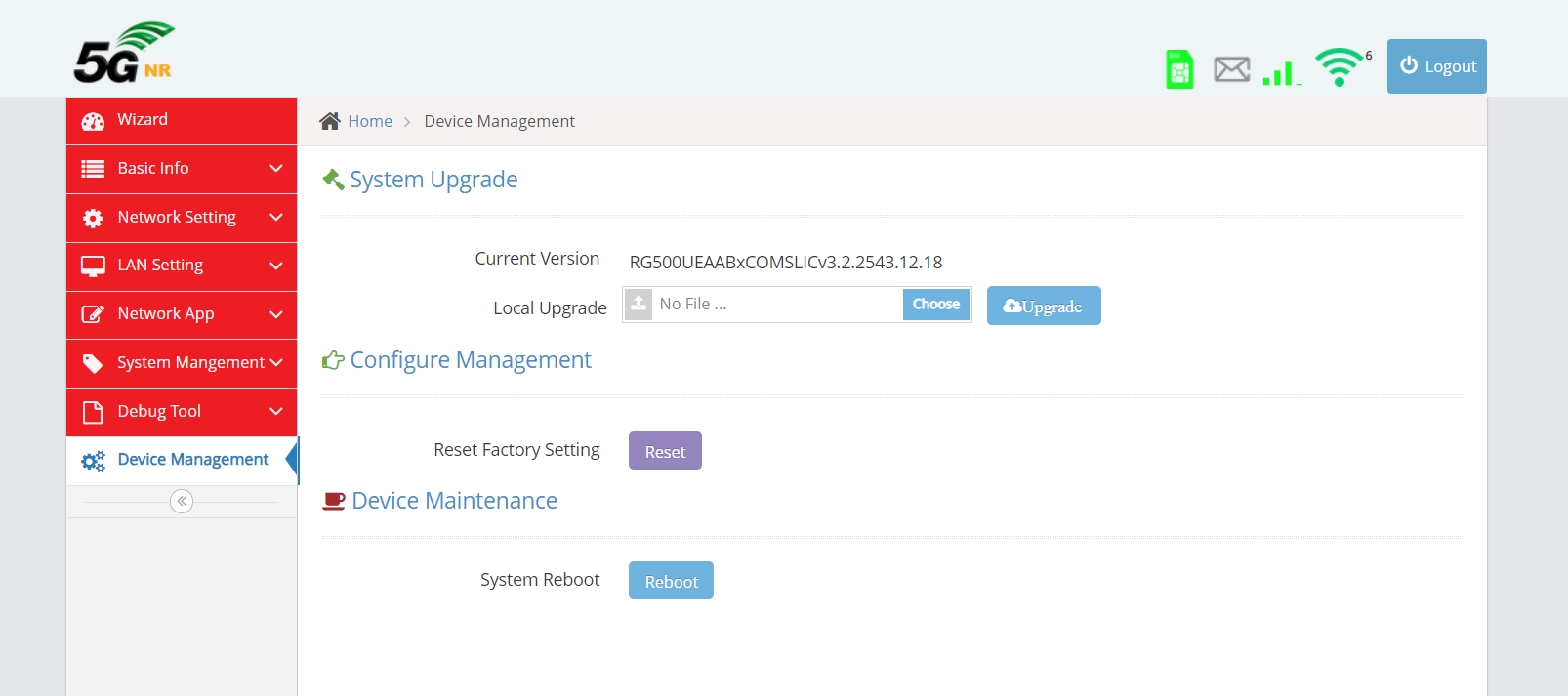
For this reason, I am leaving you some screenshots with as much information as possible from the control panel in hopes that you might be able to assist me with this struggle and that i can once and for all have this router working in a stable manner.
Thanks in advance for your time and consideration.
Thank you, i have received your email but i’m not sure which file i should try to upload onto routers control panel, are there any tools i can use with windows to connect via usb and manually push the files according to their folder directory and file extension?
If you don’t know what you are doing just don’t upload. The firmware works only for the modem and it does not include all the modules necessary to run of that router. You may need to code to make it work.
Hello and thank you for joining, yes this is a first time for me having to go such a roundabout way to get support from a manufacturer, but even if i am not an expert i believe i have enough skills to TS myself as long as i know what i’m looking for. That said, i don’t even know what i should use to communicate directly to the router or where to execute the commands for the update, In the optics of 5G modem/Router developing i am but a beginner and that is luckier than most people who might have eventually found their way into having one of these in their possession. Still, i would like to make use of this router in a location with plenty of coverage for 5G but none for fibre and i work remotely so it’s either this or a portable hotspot from a phone that is burning through power every day for no good reason. It would all be great if this router would work as stable as the phone portable hotspot but the simplest step of updating firmware seems to be impossible…
I use USB cable connected to the device after device Wifi power on but 1st I had to install the correct drivers to recognize the device in Windows. In the device manager look for a Vendor VID and Product ID PID and install the one that match your device\cpu. It will install some COM ports in the system including de AT COM port that can send AT commands using QCOM_V1.8 Windows App to connect to it. You only be able to transfer the files using ADB (Android Debug Bridge) as far I know and It can only be available after firmware update or root access. Keep in mind that If you do update you will lose all the previous installed drivers and controllers in your device by the manufacturer. Your Wifi will not work at all because standard quectel’s firmware don’t have those drivers\modules in the firmware. For updating firmware use QFlash_V7.3. Look at User guide and drivers provided in download section or request here in the forum.
My router: NR500-EA, current version: RG500UEAABxCOMSLICv3.2.2543.12.18. Can you provide the correct upgrade package for this manufacturer build? email emanuellehmann@hotmail.com